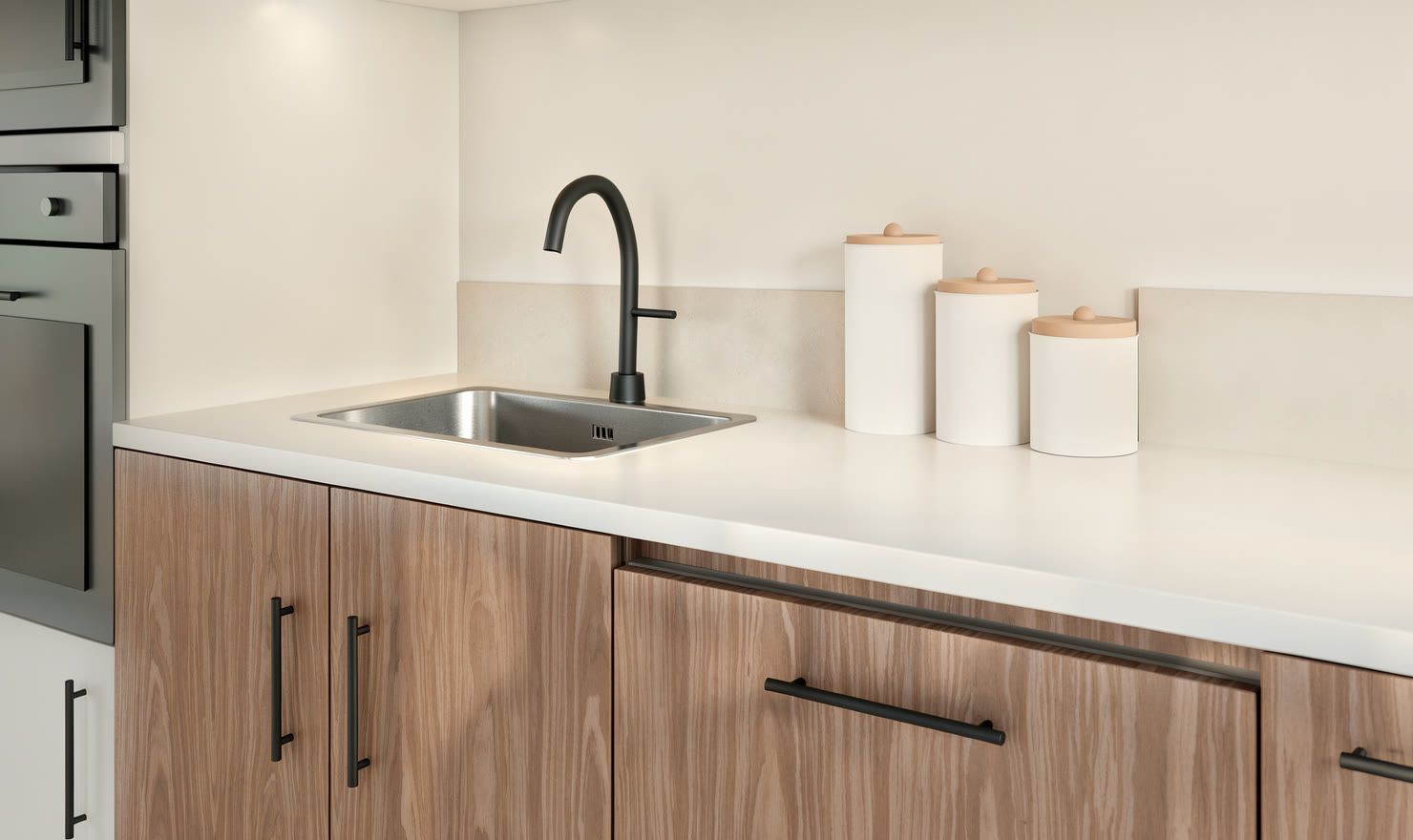
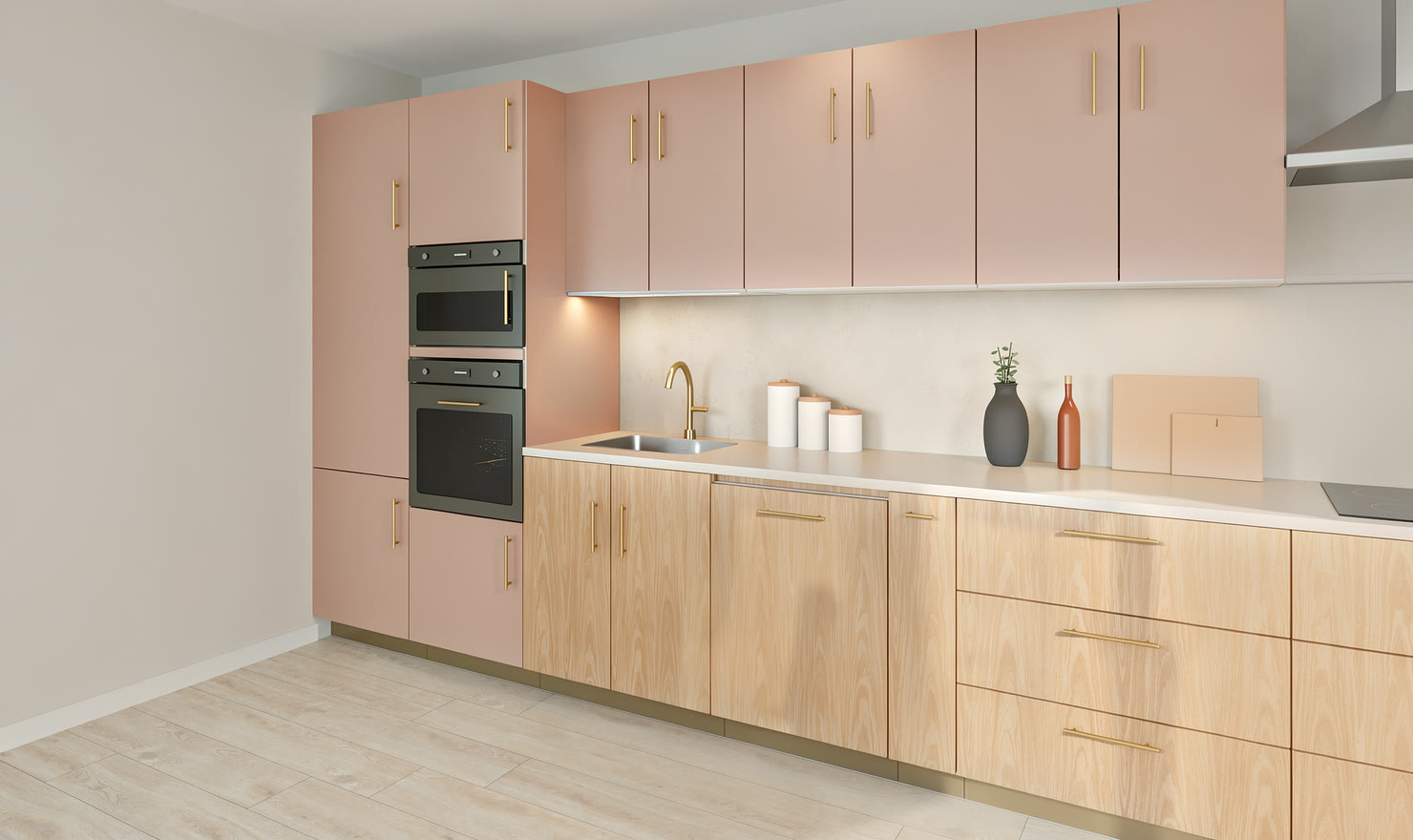
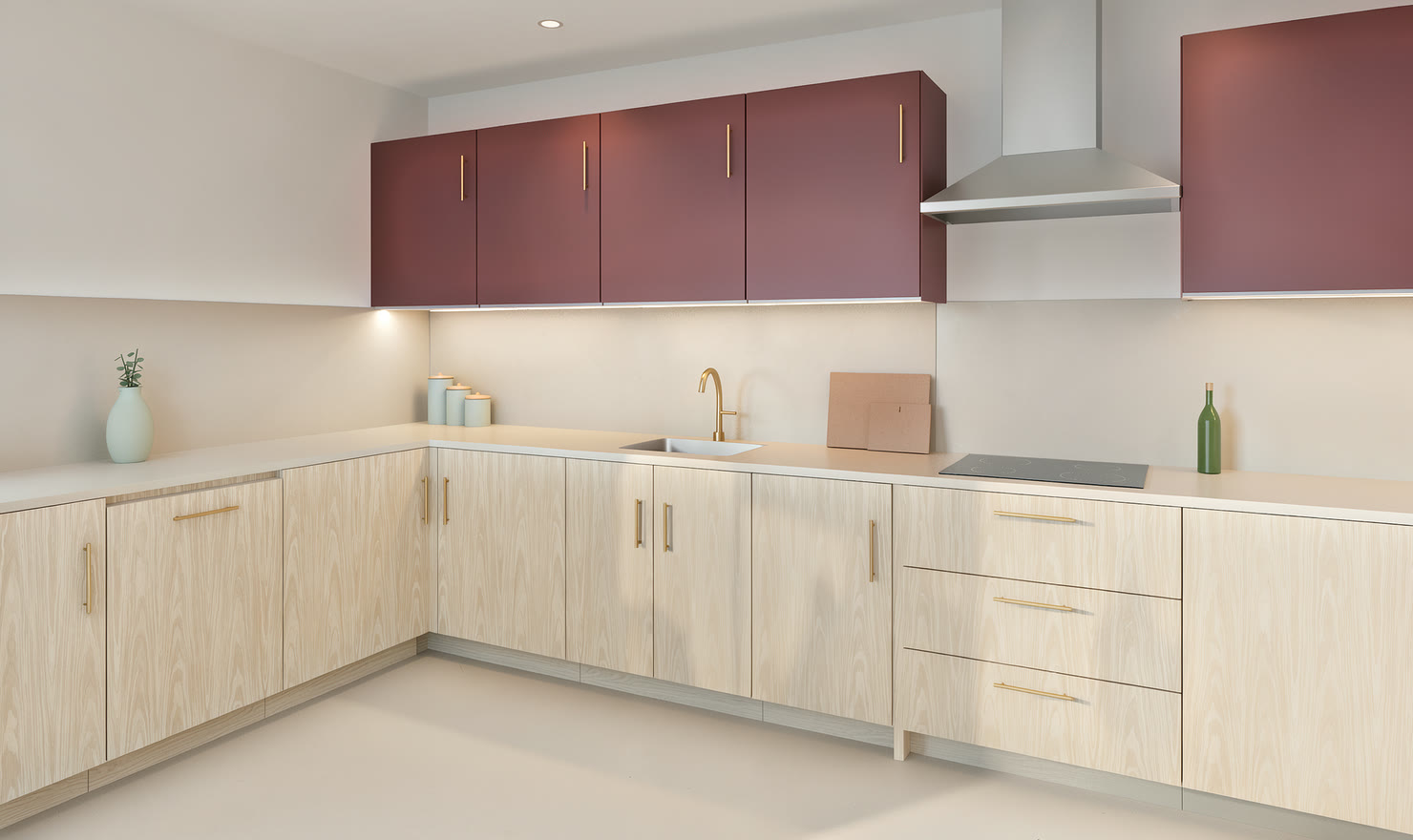
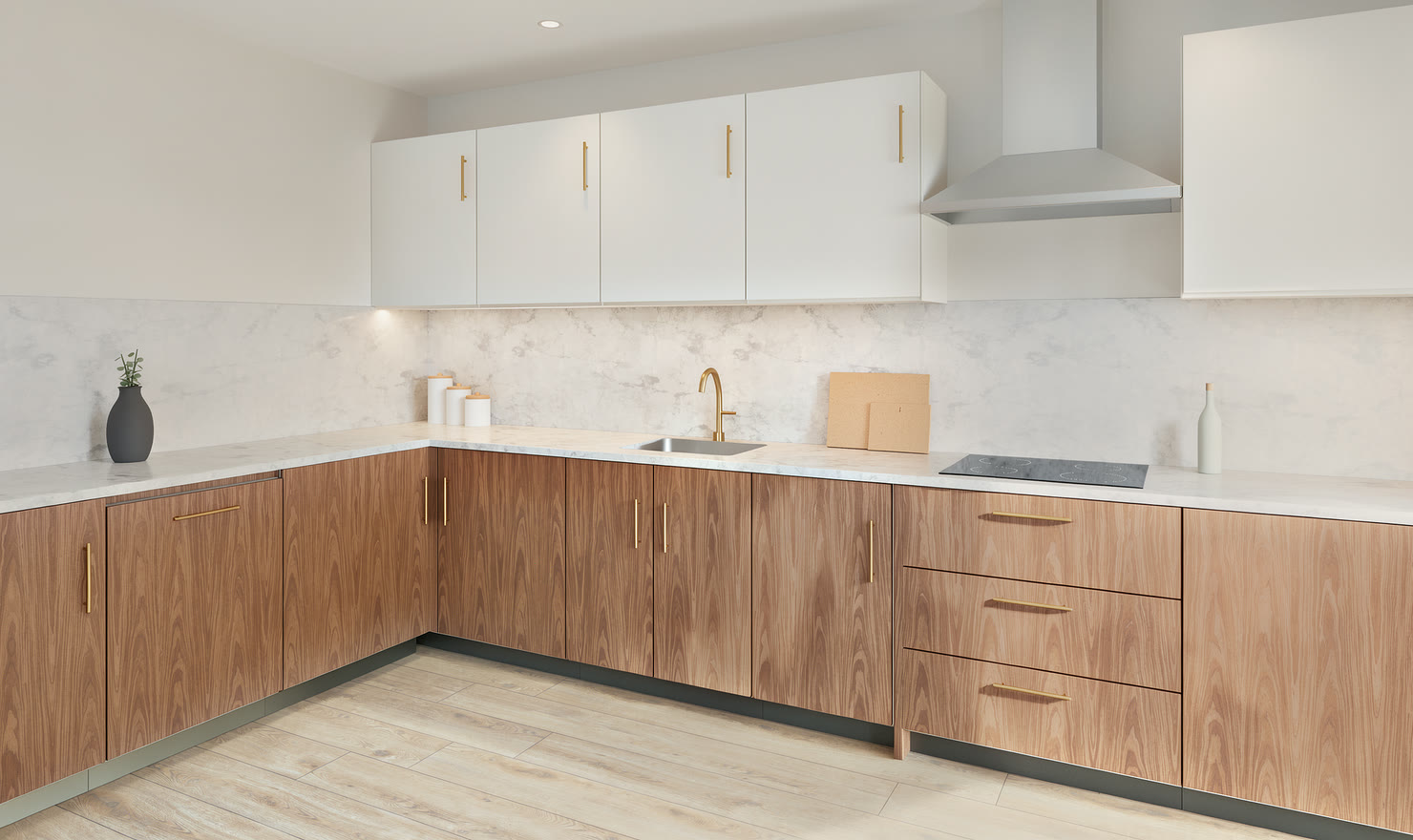
Kitchen planner, in your browser

A clear plan.
A kitchen that’s yours.

Draw your room, choose every cabinet and finish, and see that exact kitchen as a photo before anything is ordered.

Free to plan. No account needed.

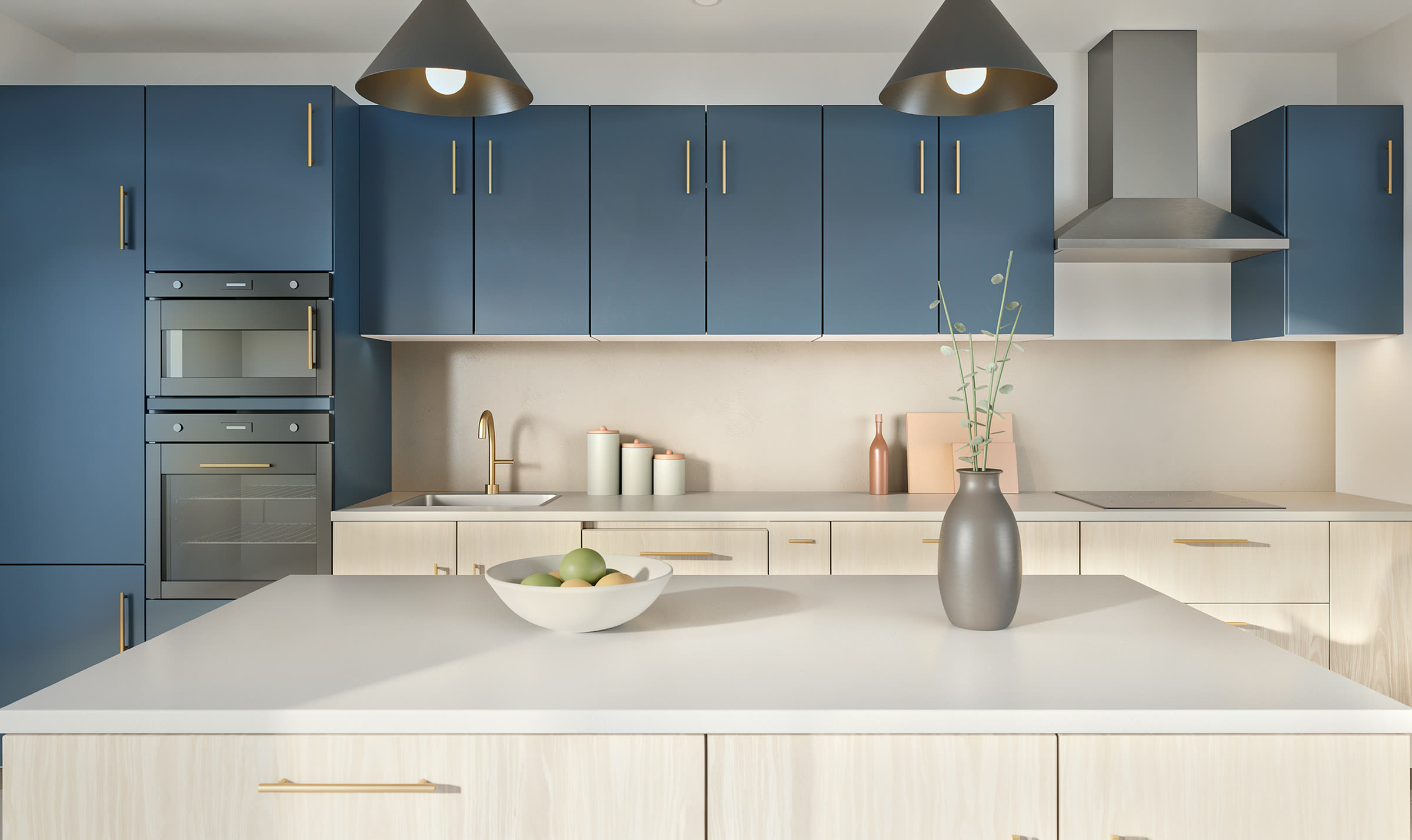
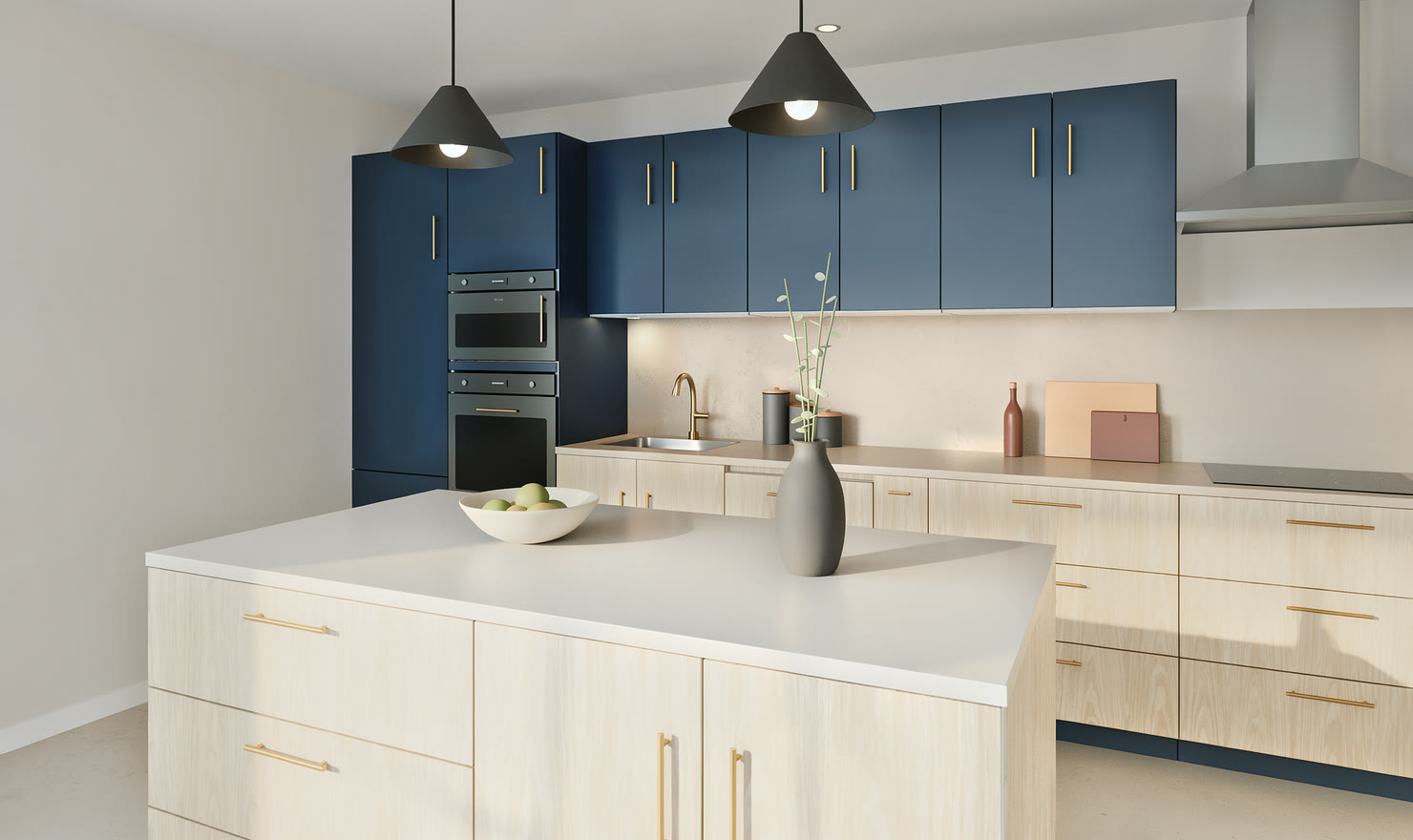
Photoreal render of a navy kitchen with an oak island and two pendant lights, made in Kitchform

One design, three ways to see it

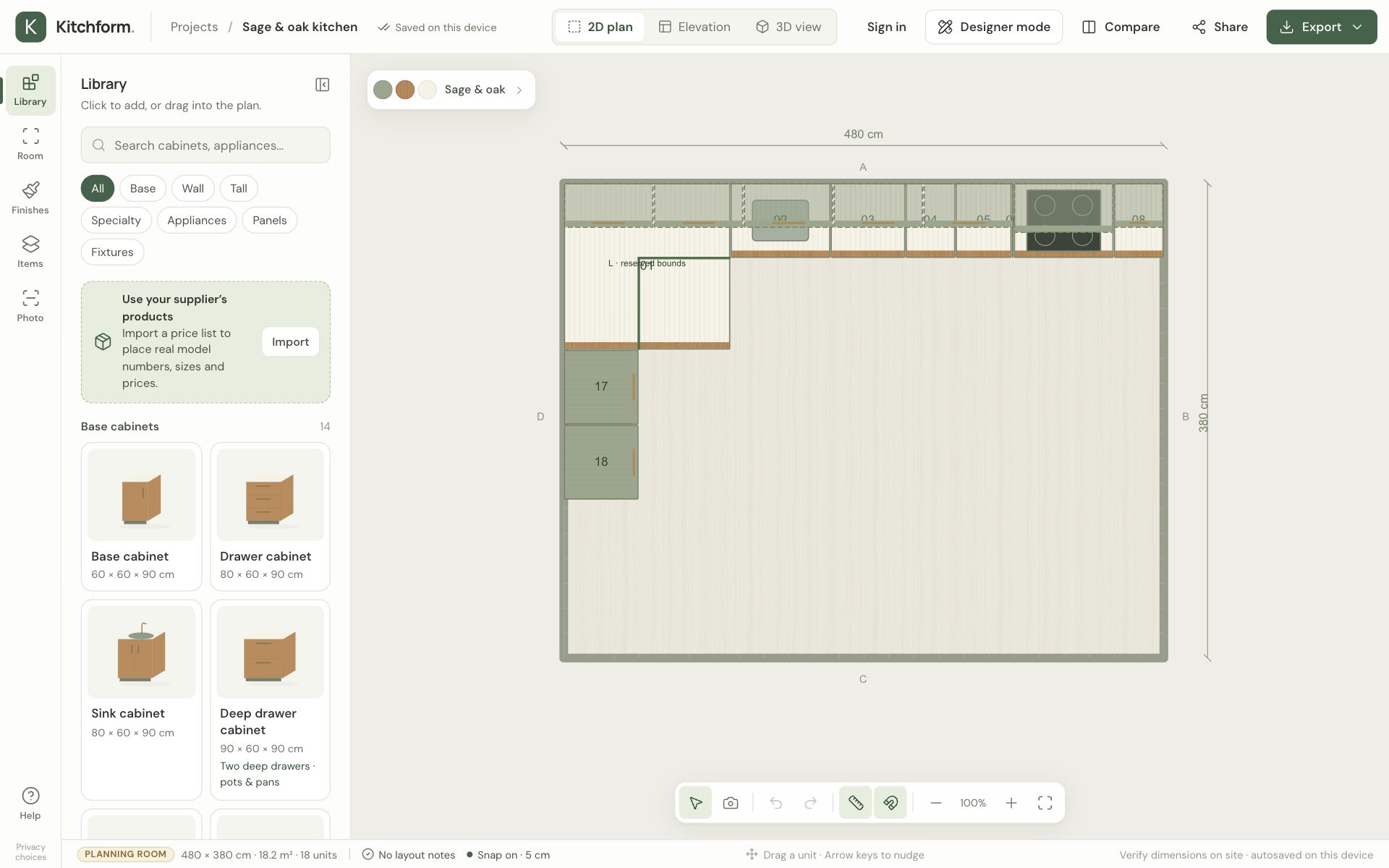
  1. The Sage & oak kitchen as a measured top-down plan in the editor

    Draw the room

    Wall lengths, doors and windows, then cabinets that snap into place. Everything stays to scale.

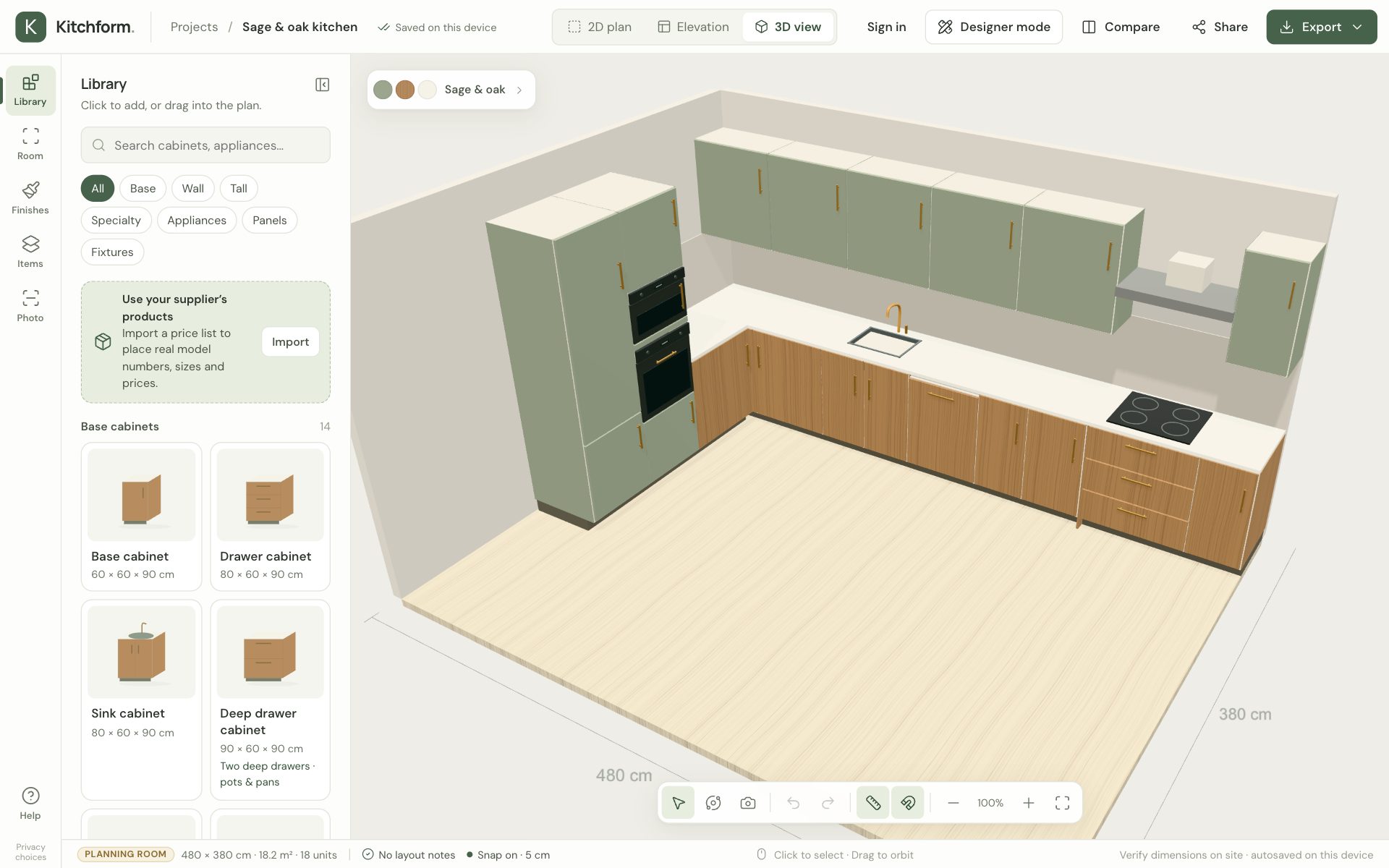
  2. The same kitchen in the 3D view of the editor

    Walk around it in 3D

    Change any finish, open drawers and check the space from every side.

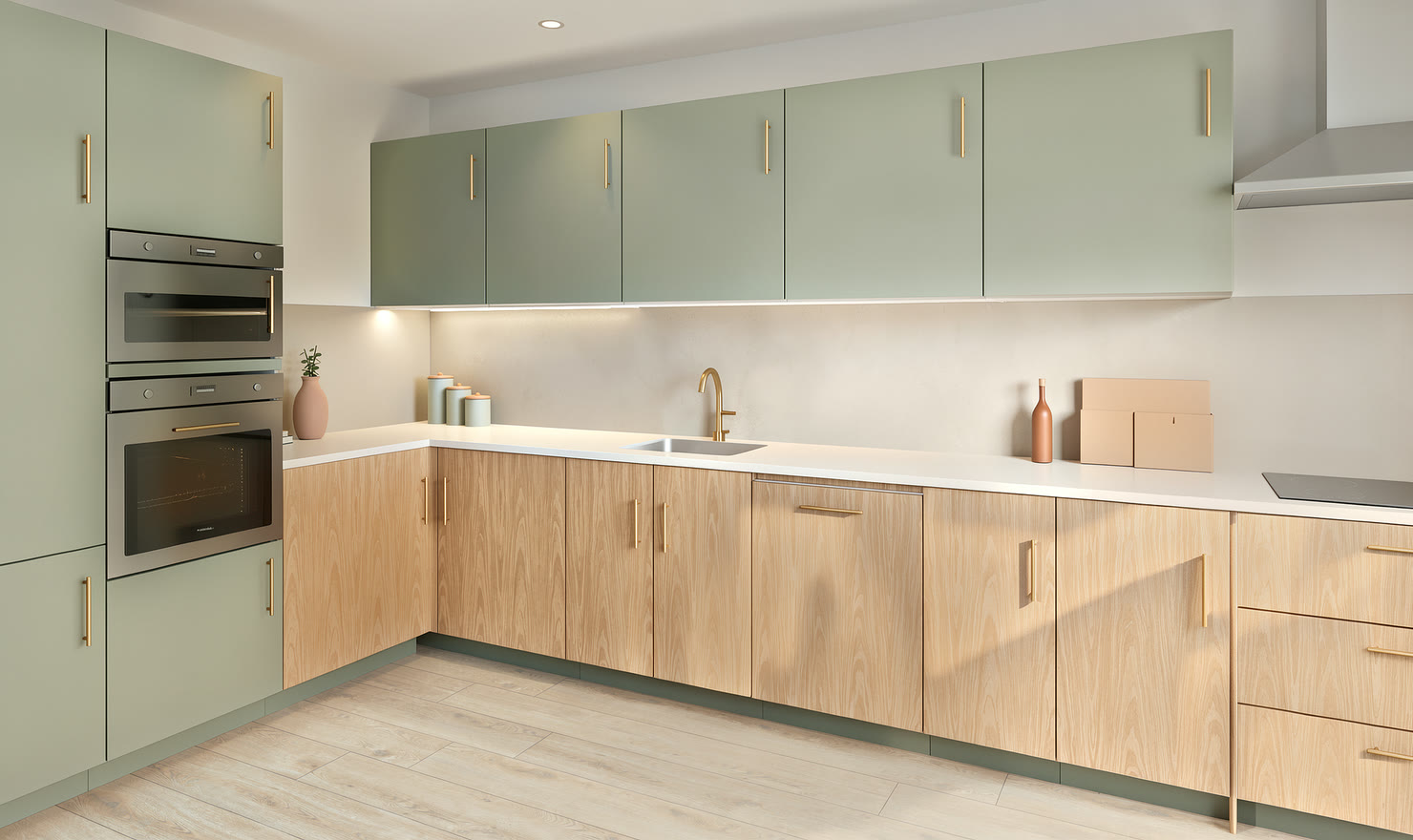
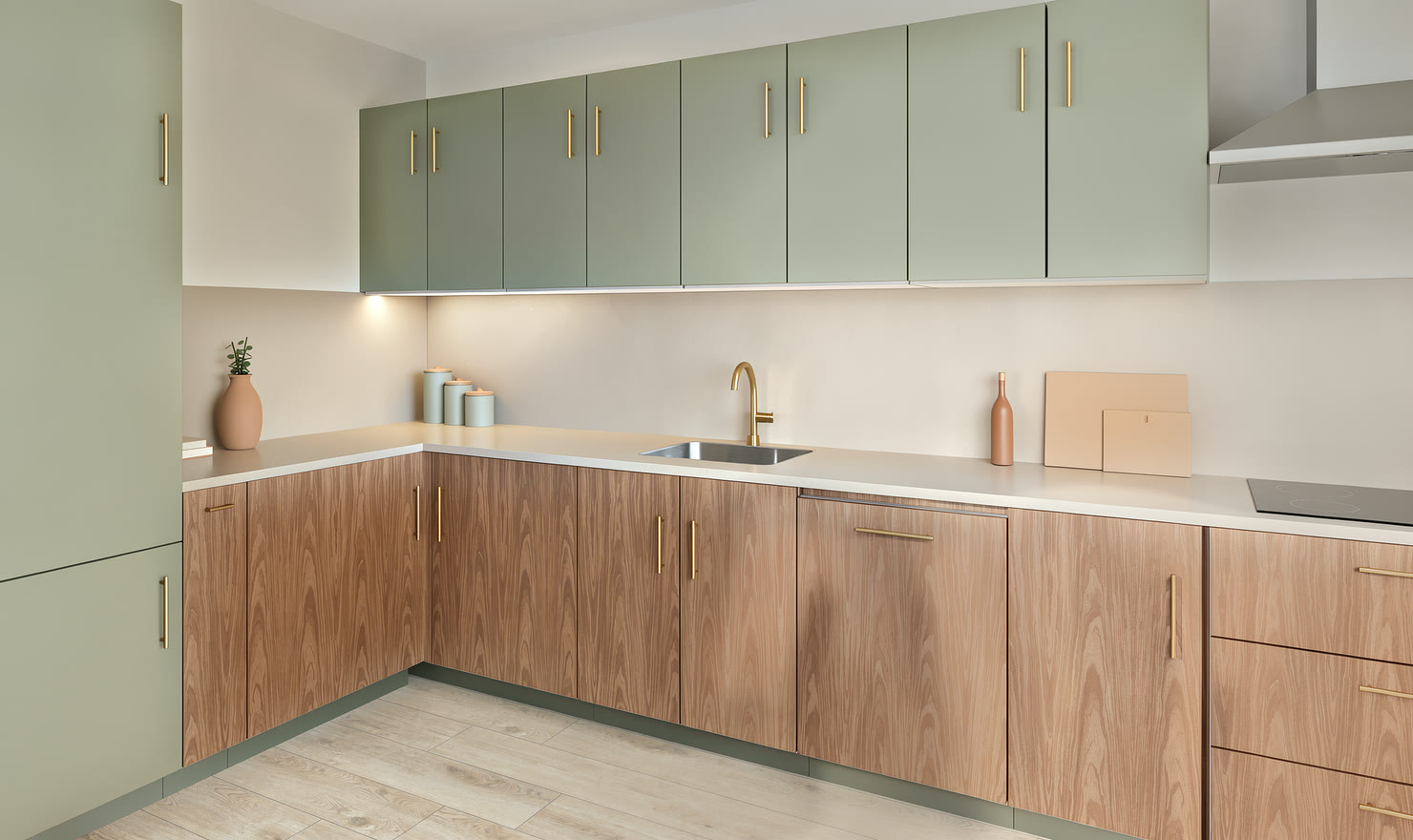
  3. The same kitchen as a photoreal render

    See it as a photo

    Made from your plan, so every cabinet and finish is exactly where you put it. Pick the light, then share it.

Try it right here

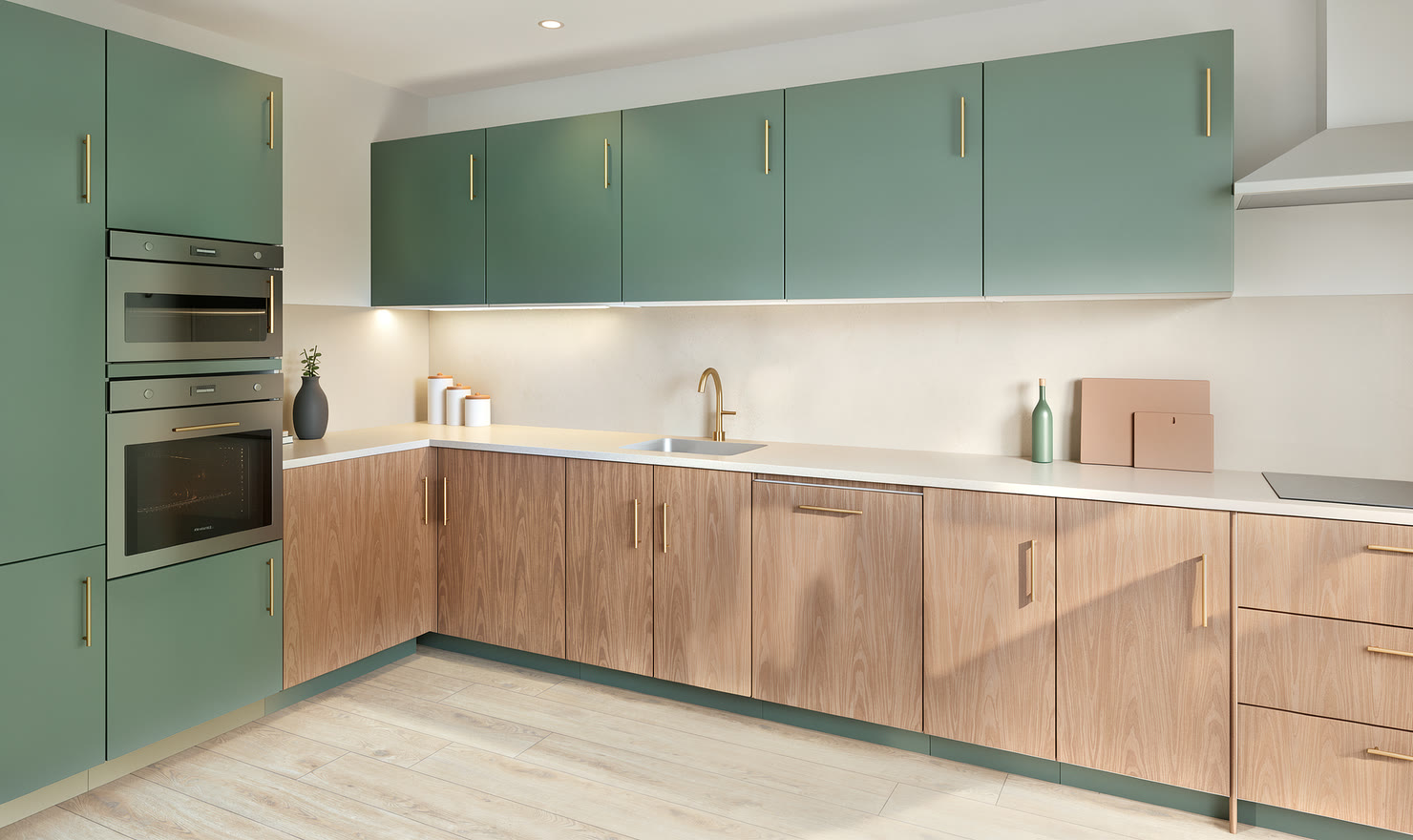
This is the real editor, running in your browser. Turn the kitchen, switch the finish, open a drawer.

Open this kitchen
Your kitchen, in the making.Try the controls
Sage and oak example kitchen. Use the controls to explore its views and finishes.Sage & oak / Kitchform render

What the editor does

A room to scale

Enter your wall lengths and ceiling height, or draw your own room outline. Then place base, wall and tall units along the walls. Every size stays to scale.

  • Doors, windows and services on the plan
  • Snapping, nudging and exact positions
  • Layout checks for overlaps and walkway space
480 cm380 cmABCDL · reserved bounds01020304050607081718Dashed fronts: wall units · W: water · P: power · V: extractionDEMO DIMENSIONS · Verify on site · Illustrative plan, not installation approval

Inside every cabinet

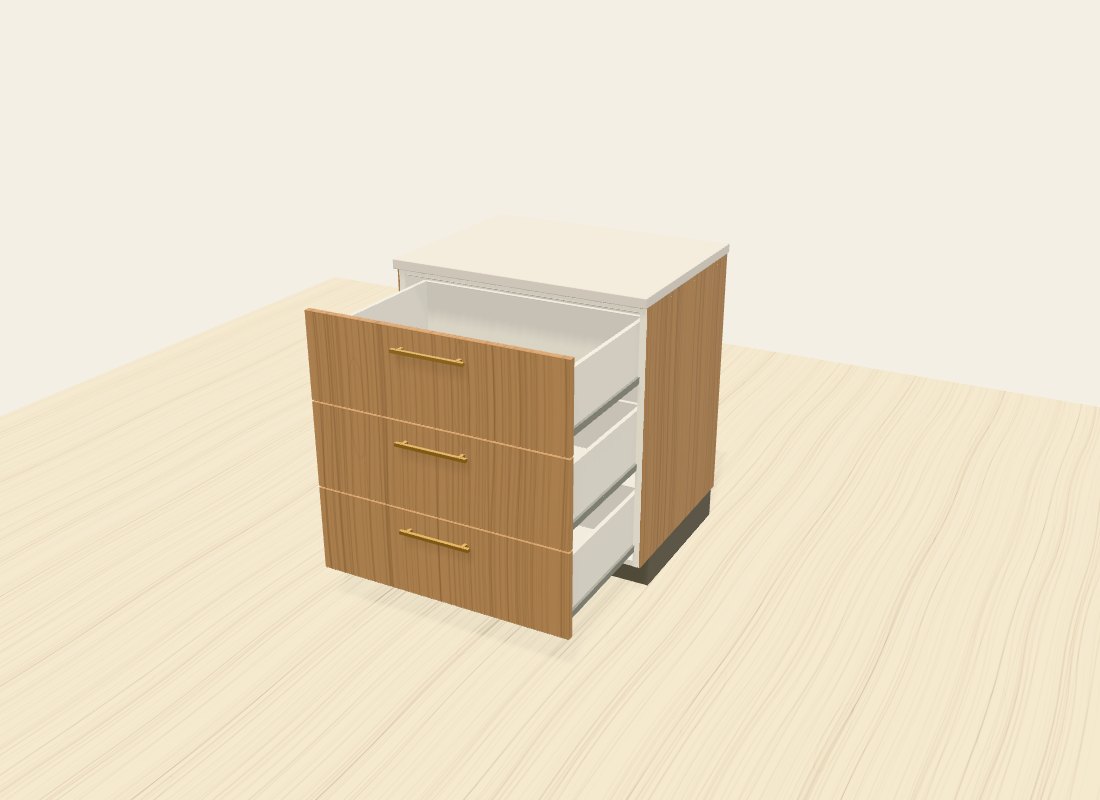
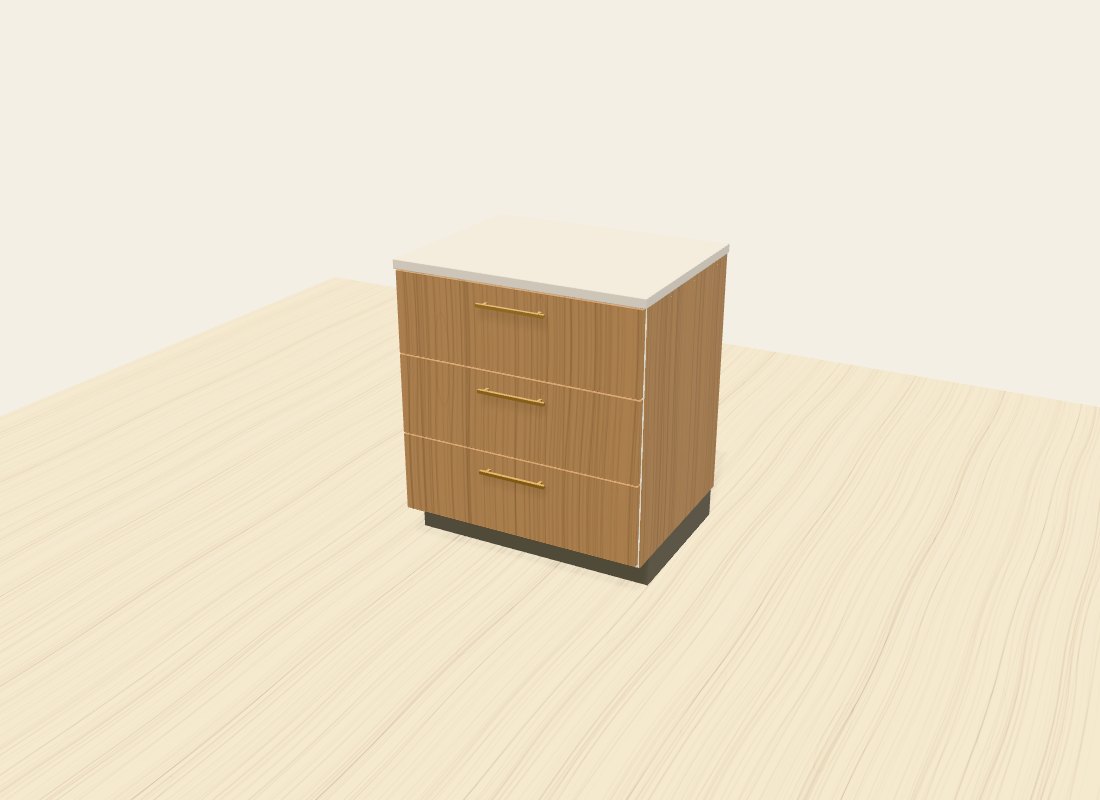
Explore the drawers, shelves, and opening mechanisms behind the fronts. See how a cabinet opens before you choose where it goes.

Try opening the drawer cabinet.

Explore this kitchen ↗
A closed oak drawer cabinet rendered by Kitchform
Closed fronts · Actual Kitchform cabinet geometry

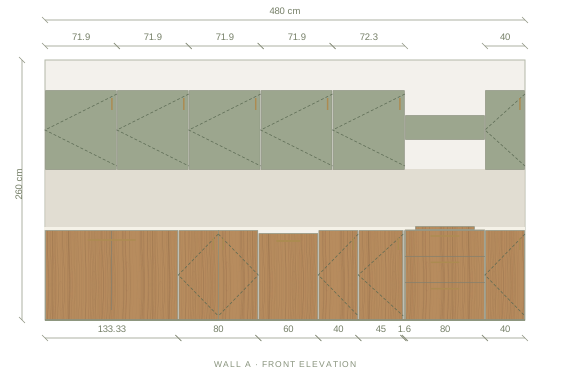
Drawings for your supplier

Review the layout, wall elevations and cabinet list together. Share a basic image for free. A Premium kitchen adds the full drawing set, cabinet lists and High photos.

Illustrative example. Confirm site measurements and product specifications before ordering.

Front elevation drawing of the Sage & oak kitchen example with dimensions
Cabinet list · Sage & oak kitchen · first 4 of 18
Ref.ComponentW × D × H
01L-shaped corner cabinet133.3 × 133.3 × 90 cm
02Sink cabinet80 × 60 × 90 cm
03Dishwasher60 × 60 × 87 cm
04Base cabinet40 × 60 × 90 cm
KitchformSage & oak kitchen · Wall APlanning example

For kitchen designers

Switch on Designer mode for the precision a client meeting needs, then present the design on screen or as drawings.

Open the designer
  • Millimetre controlsExact sizes, positions and snapping in mm.
  • Dimensions and notesDraw dimension lines and pin site notes on the plan.
  • Present and printClient details, a presentation view and drawing sheets.
  • Compare optionsPut two layouts side by side before the client decides.

Kitchform is a layout and presentation tool. It does not produce manufacturing or CNC drawings.

Pricing

One credit makes a kitchen Premium for good: client drawings, cabinet lists and High photos. Start it from your own photos if you like. No subscription, and credits never expire.

See all pricing details

Free

Plan any kitchen

€0

No account needed to start

  • Room plan, elevations and 3D
  • Every cabinet, appliance and finish
  • Standard photos rendered in your browser
  • 5 saved projects and share links when you sign in
  • PNG images and JSON backups
Start designing Open Photo Build

Larger pack

9 Premium kitchens

€24.99

9 credits · one-time · tax included

  • €2.78 per kitchen
  • Drawings, cabinet lists and High photos for each
  • Or start any of them from your photos
  • Credits never expire
Buy 9 credits

For designers and several rooms.

Questions

Is Kitchform free?

Planning, standard photos, basic images and project backups are free. Sign in for five cloud project spaces. When you want drawings, cabinet lists and High photos, one credit makes a kitchen Premium for good: 3 credits for €9.99 or 9 for €24.99, tax included. There is no subscription, and credits never expire.

Do I need to register?

You can design and save locally without an account. Sign in for cloud saving, Photo Build and to make a kitchen Premium.

Where are my existing projects?

Open the designer in the same browser and on the same device. Local projects are stored there. Sign in to open projects you saved to your account.

Does it work on a tablet?

Yes. Kitchform is designed for a computer and also works on tablets. On a phone the screen is small for detailed editing.

Can I share a design with my kitchen supplier?

Export a PNG or SVG plan, a CSV cabinet list, or the project file. Designer mode adds printable drawing sheets.

Can a kitchen designer use this with clients?

Yes. Designer mode adds millimetre controls, dimensions, site notes, client details, a presentation view and drawing sheets. It does not produce manufacturing or CNC instructions.

Where are my designs stored?

In your browser, until you choose to save them to an account. Analytics runs only with your consent. How we handle your information.

Is the design ready to order?

Not on its own. Confirm site measurements, real product dimensions, worktop fabrication and appliance installation requirements with your supplier. Example plans and materials are illustrative.

Made with care. Still improving.See product updates
  1. Photoreal photos

    High-resolution photos now render on our studio GPU in about two minutes, lit by daylight through the window. Close the tab and the photo waits on its own page.

  2. Share links

    Send a read-only link to your design. Anyone can explore it in 3D, plan and elevation, then open their own copy.

  3. Tidier example kitchens

    Every example now fits its walls exactly: flush units, proper corner cabinets and continuous worktops at any room size.

  4. Accounts and cloud saving

    Sign in to save a project to your account and open it on another device. Local editing still works without one.

  5. Designer mode

    Millimetre controls, dimension lines, site notes, client details and printable drawing sheets.

  6. Fitted-kitchen 3D

    Continuous worktops, plinths and backsplashes, plus finishes you can change on a single unit.

  7. Twelve kitchen guides

    Layouts, palettes and cabinet ideas, each with an example you can open and edit.

Start your kitchen

Free, in your browser. Make it Premium when you want the photos and drawings.

Kitchen ideas by email

Planning tips, new example kitchens and Kitchform updates, now and then.