Do I need a powerful computer or graphics card?
No. Free photos render in your browser on the graphics your computer already has, in about a minute on a recent laptop. High photos render on our studio GPU, so your computer only sends the saved design and you can keep working.
How long does a render take?
A Free photo takes about a minute on a recent laptop, and longer on an older computer. A High photo takes about two minutes on our studio GPU. You can keep designing, or close the tab, while it renders.
What size are the photos?
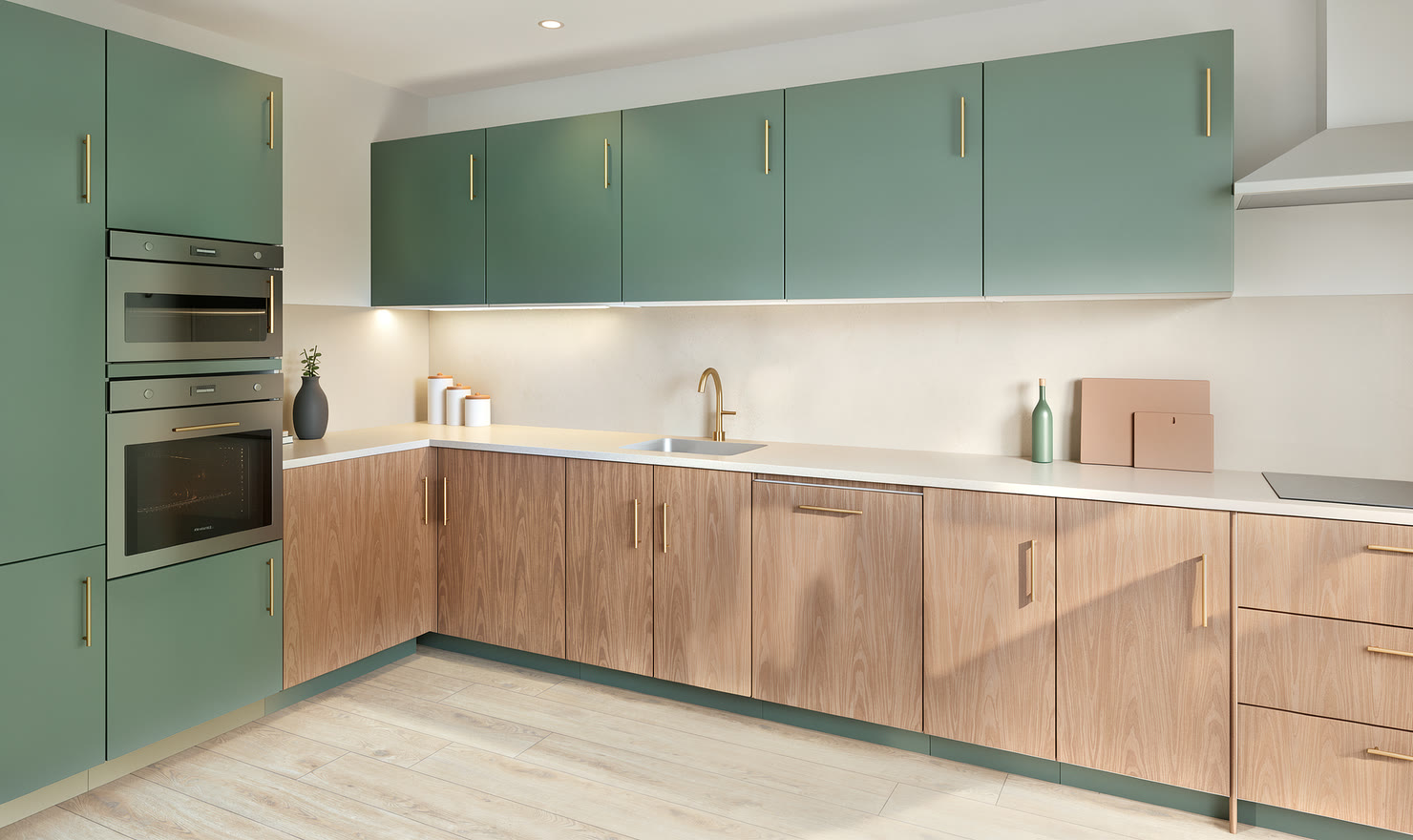
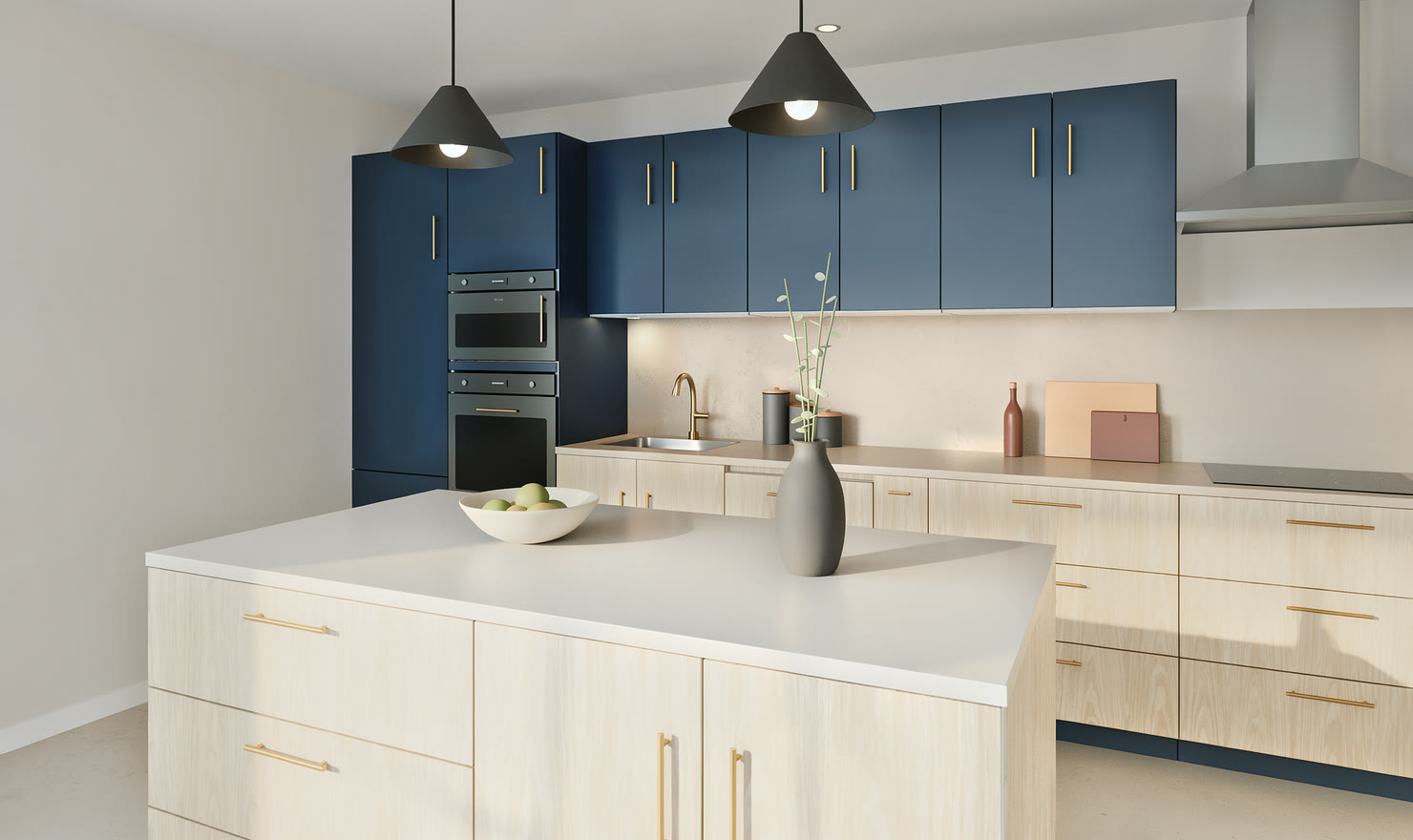
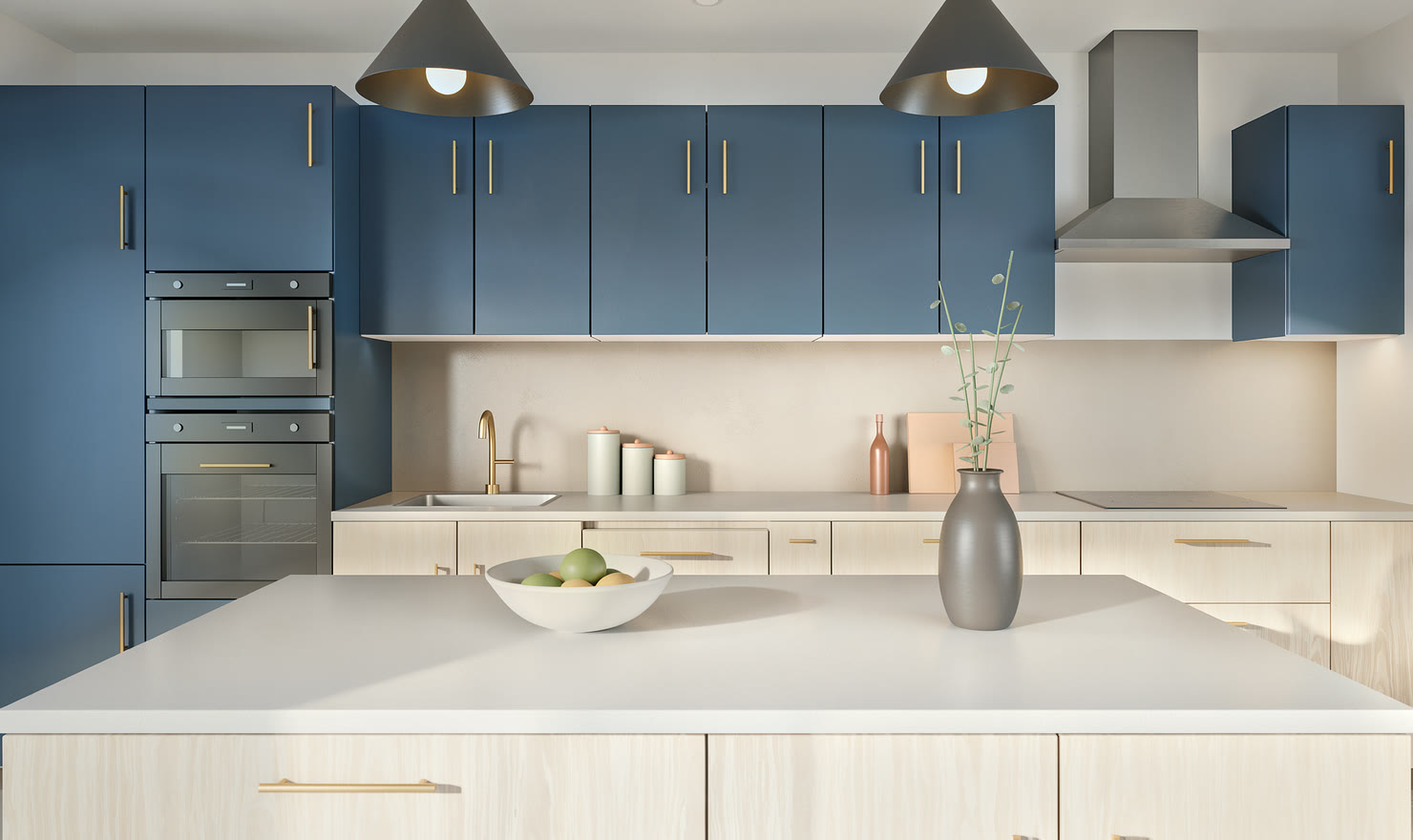
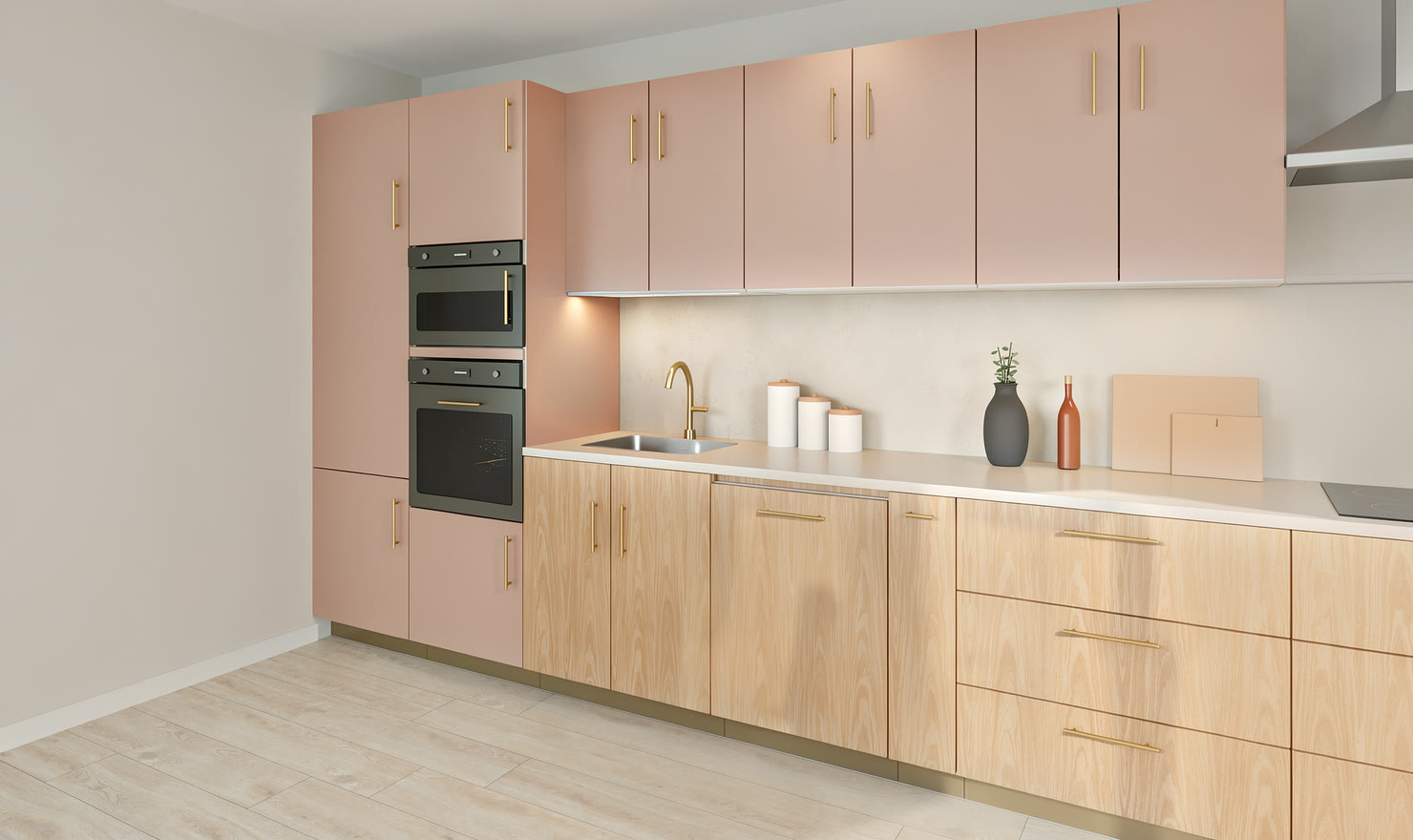
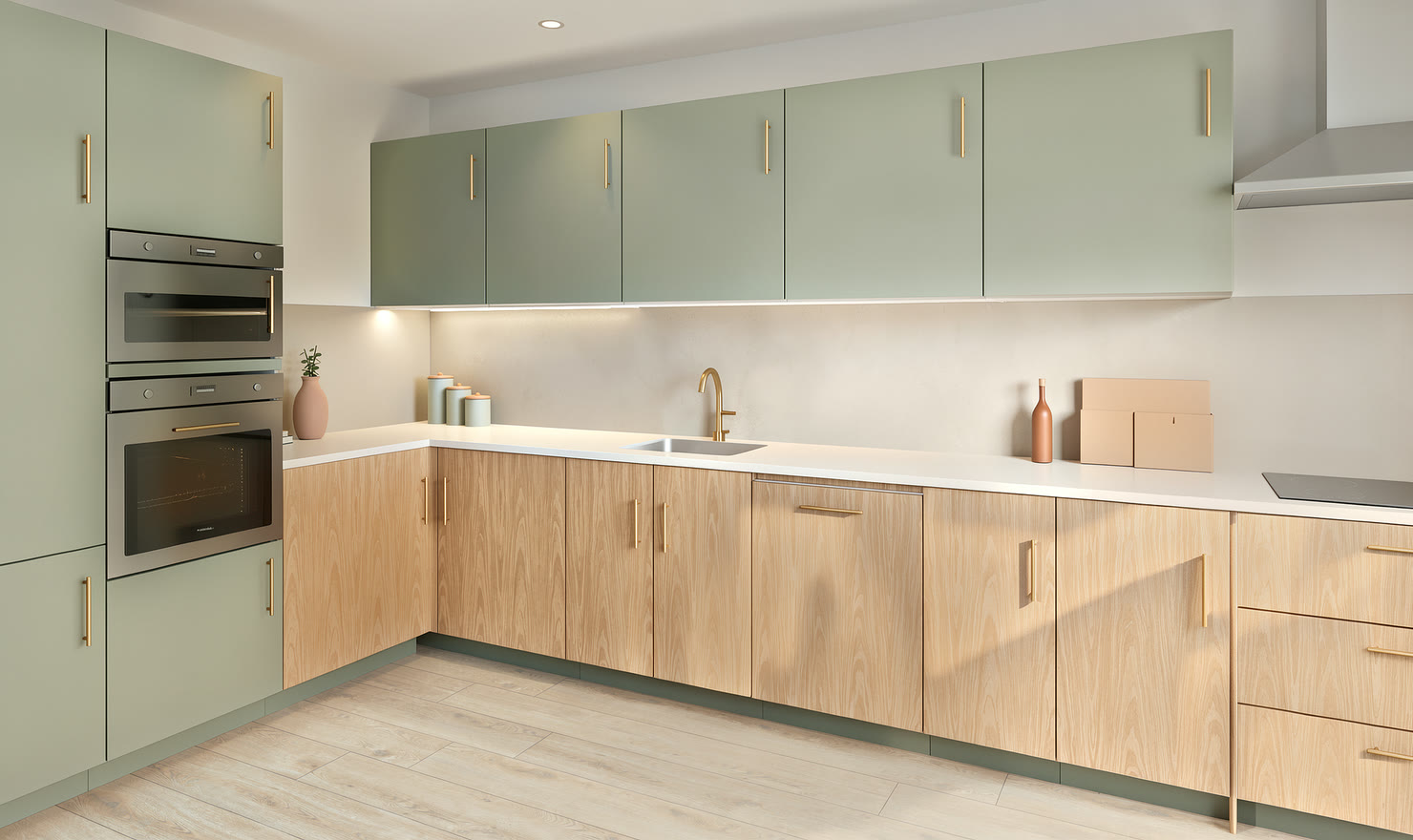
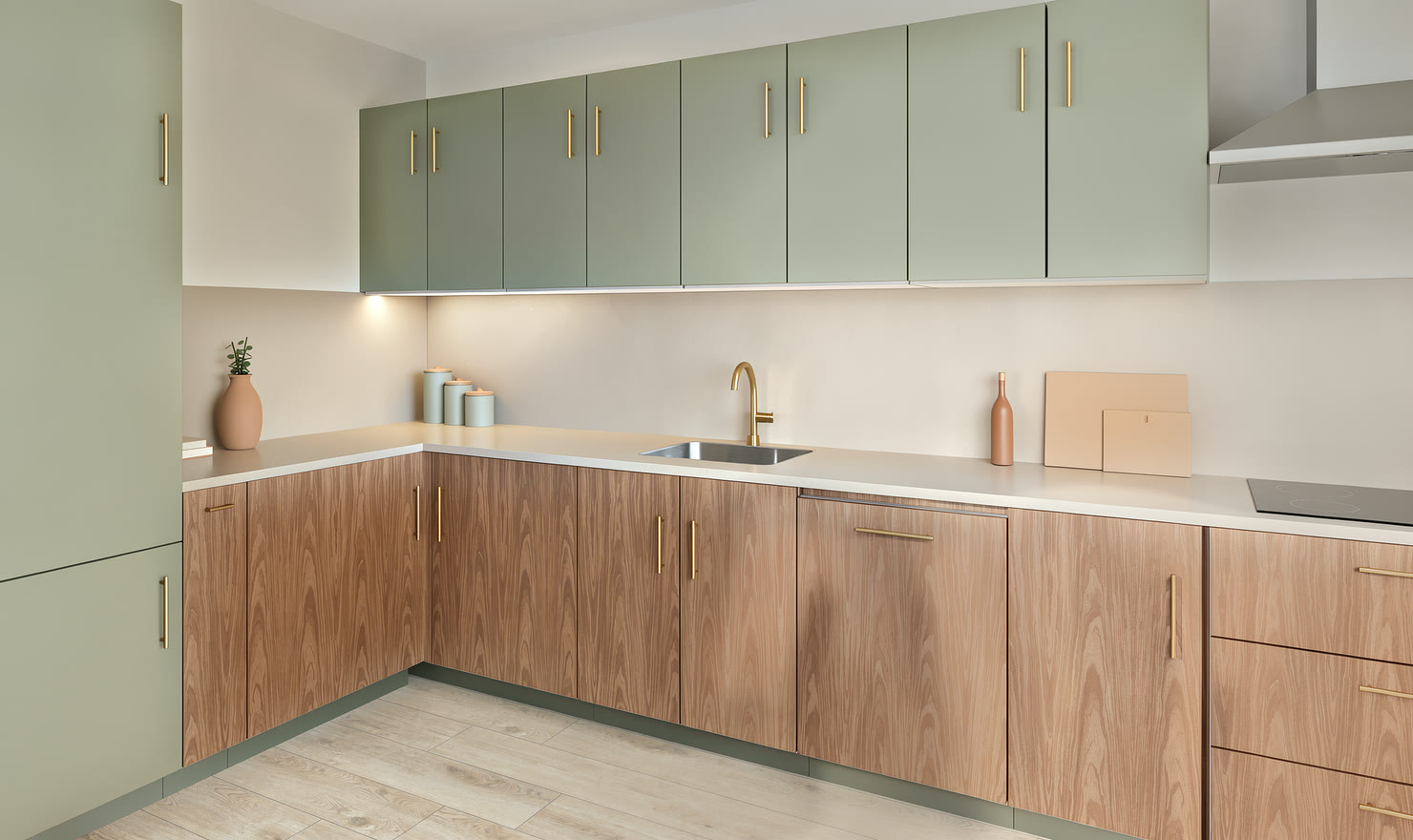
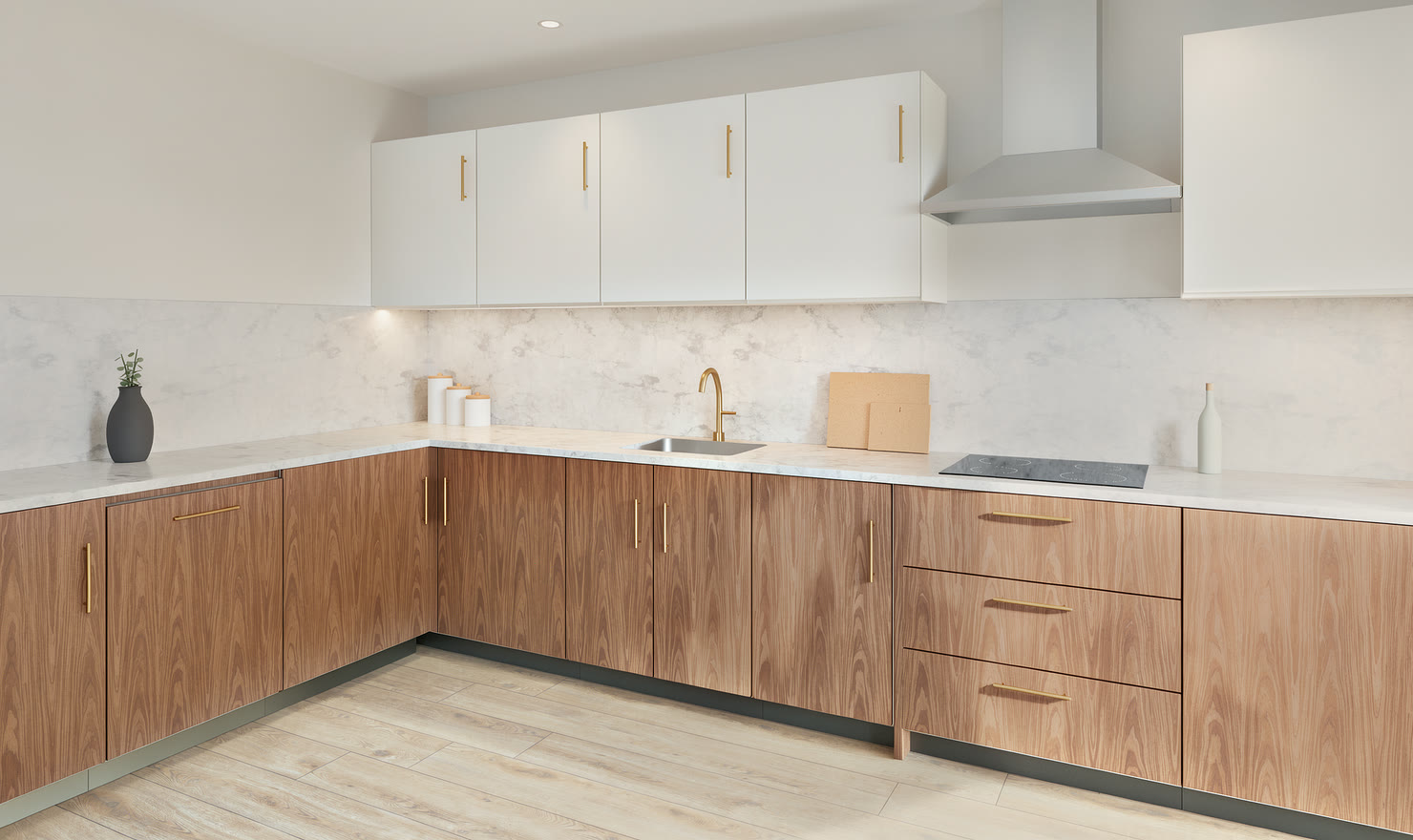
Free photos are 1480 × 880 px. High photos are 2960 × 1760 px: twice the width and height, with six times the light samples per pixel. Both download as PNG files.
What does a High photo cost?
High photos are part of a Premium kitchen. One credit makes a kitchen Premium for good, with up to 20 High photos, drawings and cabinet lists. Credits come in packs of 3 for €9.99 or 9 for €24.99, tax included, and never expire. Each account can render up to 6 High photos a day.
Can I choose where the camera stands?
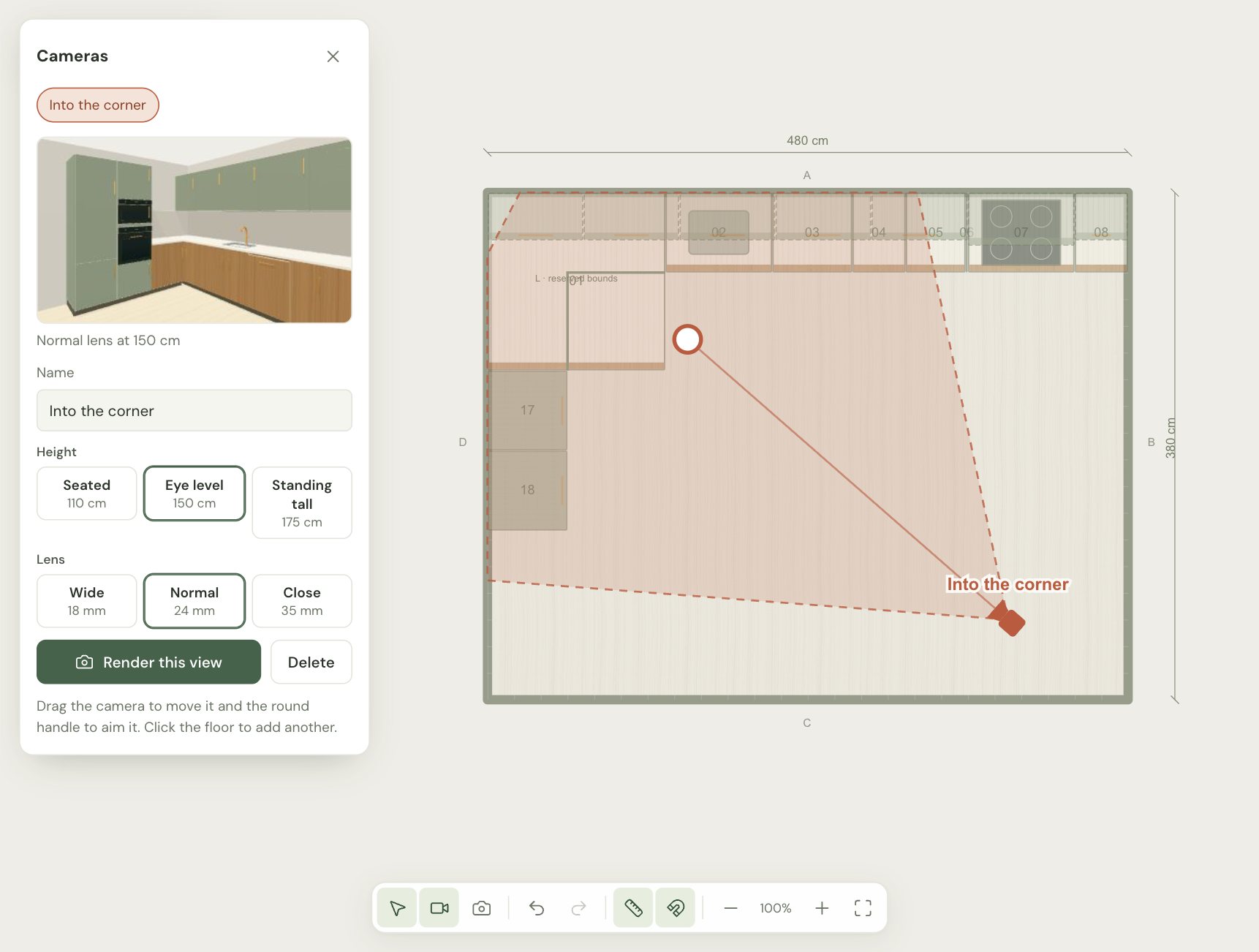
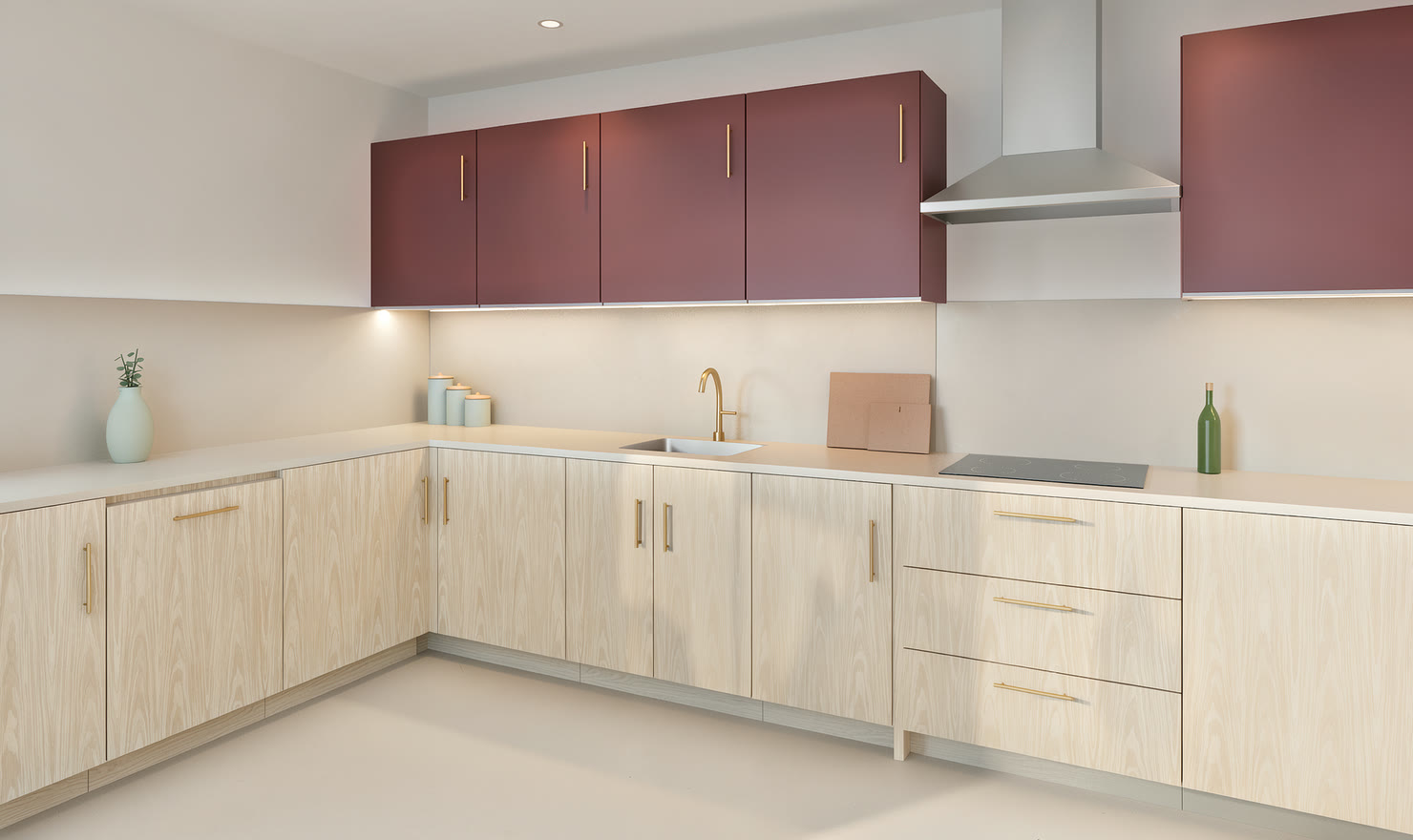
Yes. Turn on the camera tool in the 2D plan and click the floor to place a camera. Drag it to move it and drag its round handle to aim it. Choose an 18, 24 or 35 mm lens and a height of 110, 150 or 175 cm. A kitchen can have up to 12 cameras, saved with the project.
Can I change the lighting, time of day or exposure?
You can choose the light. Before you render, pick Daylight, Morning, Golden hour, Evening or Overcast. Evening turns the lamps on with dusk outside, and Overcast gives soft light with no hard shadows. The lamps come from your design: downlights over the worktops, LED strips under the wall units and pendants over an island. Exposure is metered from each image automatically.
Which browsers work?
A recent Chrome, Edge or Safari on a computer. Rendering needs WebGL 2. The AI denoiser uses WebGPU where the browser has it; elsewhere a simpler edge-aware filter removes the grain.
Is this the same as an AI image of a kitchen?
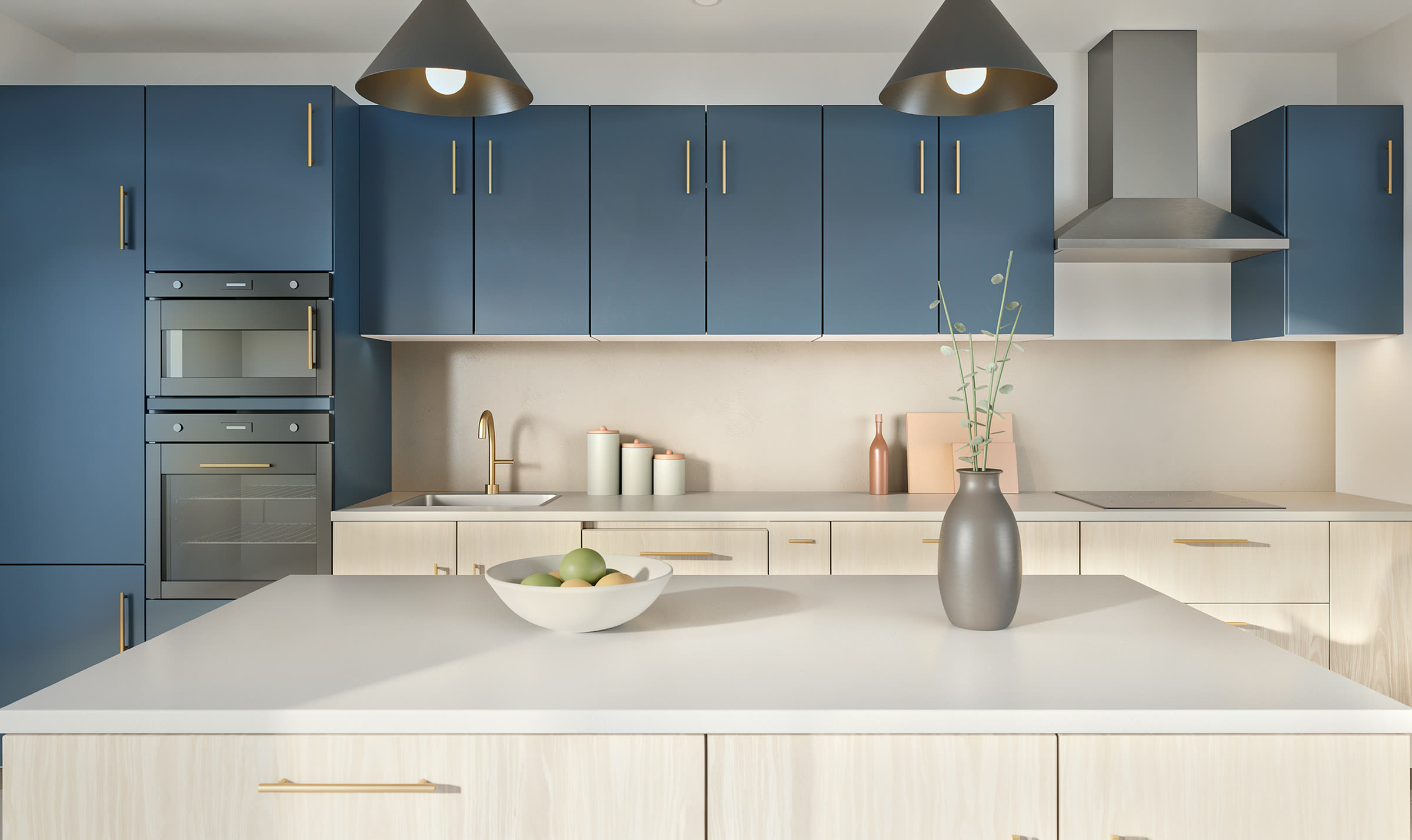
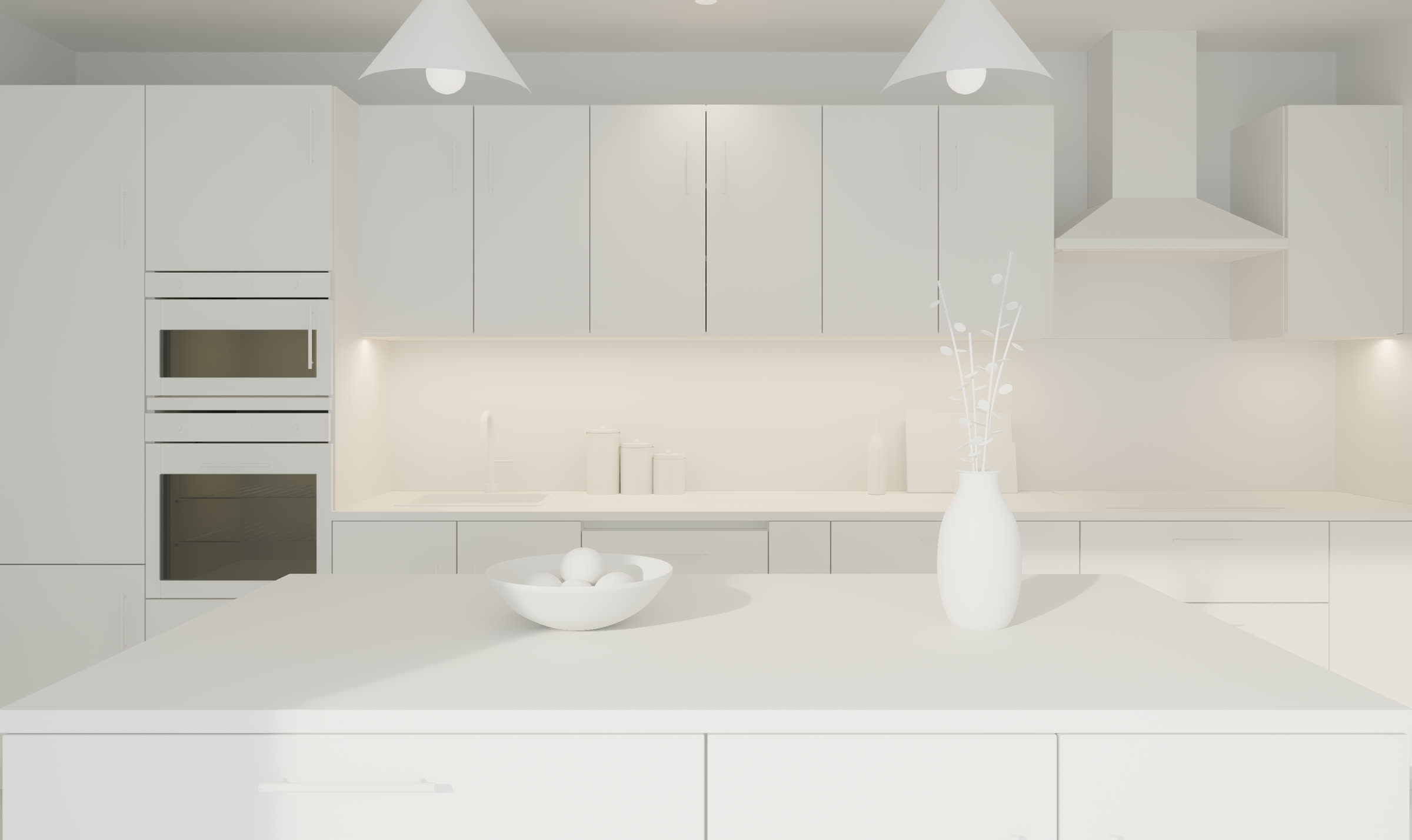
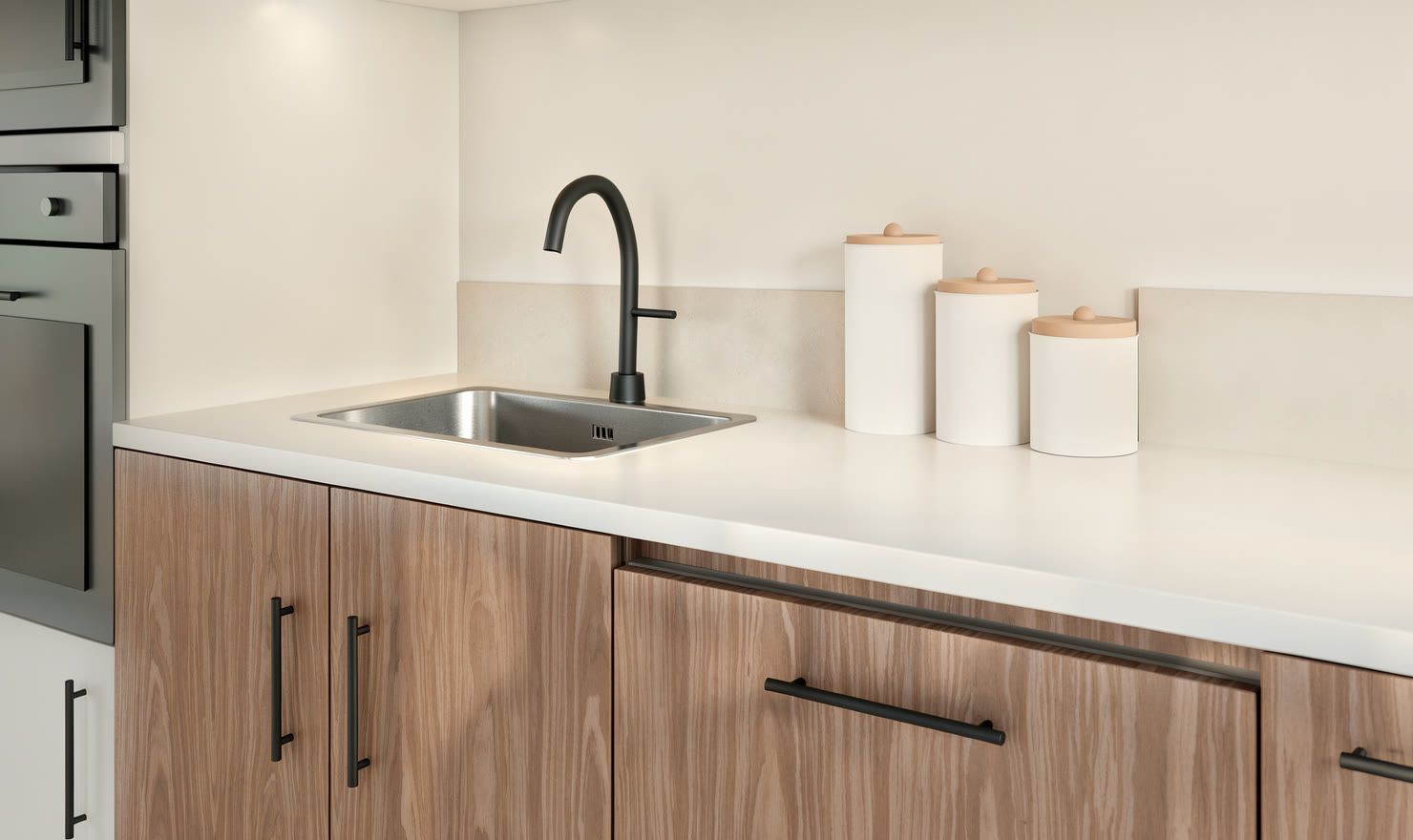
No. An image generator invents a kitchen that looks like what you describe, and a different one each time. Kitchform renders the 3D model of your plan, so the cabinets, sizes and finishes are the ones you chose: the same in every photo, and the same as in your drawings and cabinet list. A High photo then gets a camera finish: an image model, told your finishes, photographs the render again for the light and surfaces of a real camera, and its colours are held to the render’s. The layout and finishes stay; small details, such as the run of a marble vein or the shape of a prop, can differ.
Is the photo exact enough to order from?
It is made from your design, so every cabinet, appliance and finish is where you placed it, at its real size. Digital materials and lighting are not physical samples, though, and the camera finish on High photos can change small details, so take sizes from the drawings. Check real samples, site measurements and appliance specifications with your supplier before ordering.