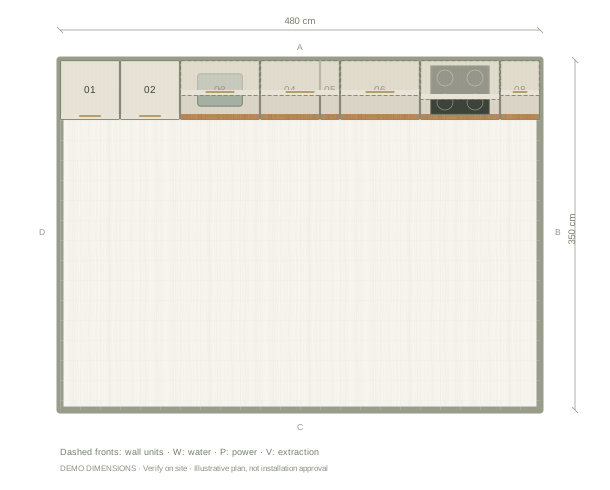
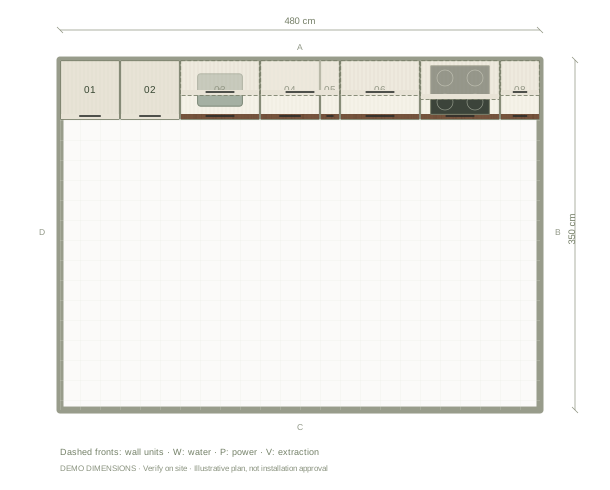
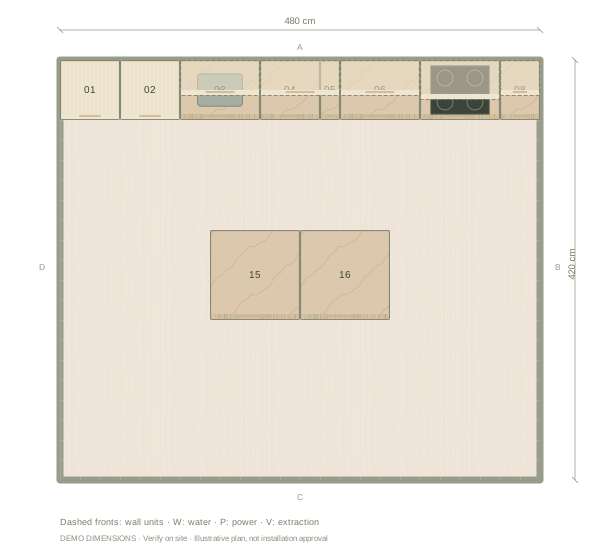
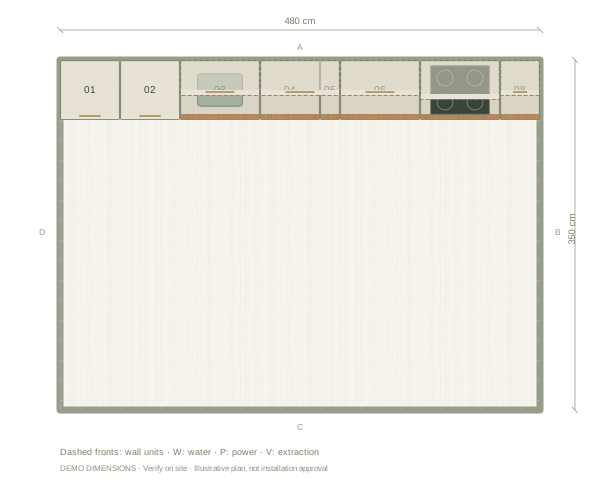
Illustrative plan in cm. Example dimensions; no doors, windows or site services have been assumed. Add your actual openings and fixtures in the editor.
01
Keep the material boundary clear
This example uses cream on the uppers and oak on the lower run. A consistent line makes the composition easy to read. On tall units, compare a cream front with timber before extending the lower finish all the way to the ceiling.
02
Coordinate the counter and backsplash
The starting palette uses light stone on both surfaces. That keeps the join visually quiet, but a tile backsplash can introduce a different rhythm. Try cream subway tile or a restrained ceramic, then inspect the material change beside the tall appliance group.
03
Compare samples outside the screen
The editor shows illustrative colour and grain. Oak varies, and cream can look warmer or cooler beside a particular stone. Bring physical samples together in the actual room before choosing a supplier finish. Use the exported material board to communicate the direction, not as a colour guarantee.
Questions before you start
Can only one cabinet be oak?
Yes. Select that cabinet and apply a front material to the selected item rather than to the whole kitchen.
Is the oak shown a specific supplier product?
No. It is an illustrative finish. Record the chosen manufacturer and product details separately when you specify the real kitchen.
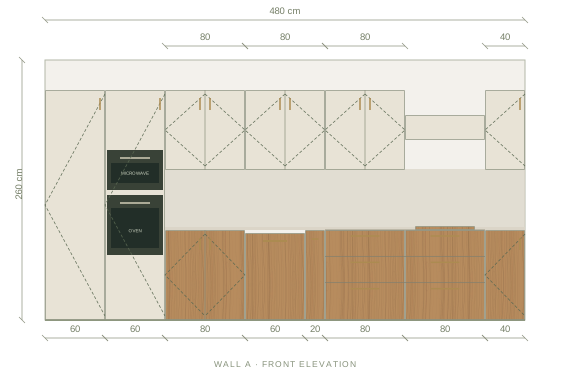
The front elevation
Review the main wall’s cabinet heights, appliance spaces and finish balance. Other walls are available in the editor.
Illustrative main-wall elevation. Digital materials are not supplier samples.
Example cabinet & appliance list
Planning dimensions in centimetres. These generic components are editable and do not identify purchasable supplier products.
Before installation: verify measurements on site, resolve cabinet junctions and worktop details, and enter the chosen appliances’ installation and ventilation requirements.