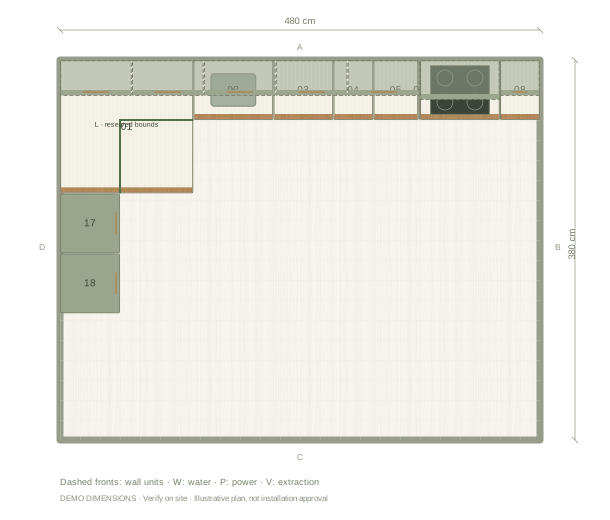
How can I design my kitchen online for free?
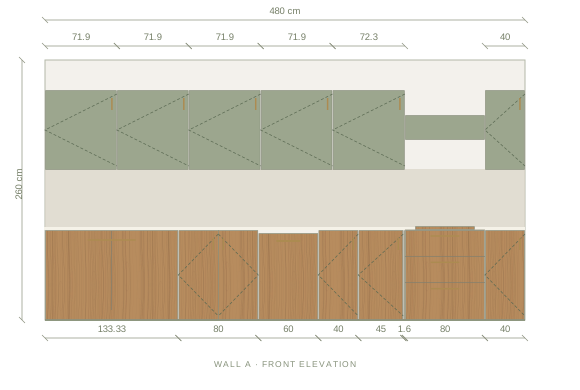
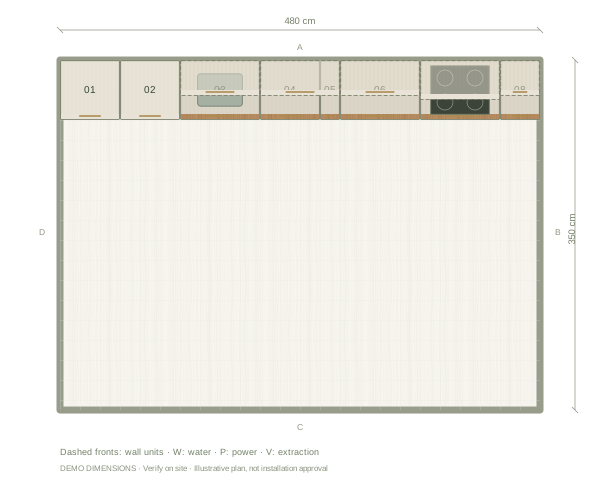
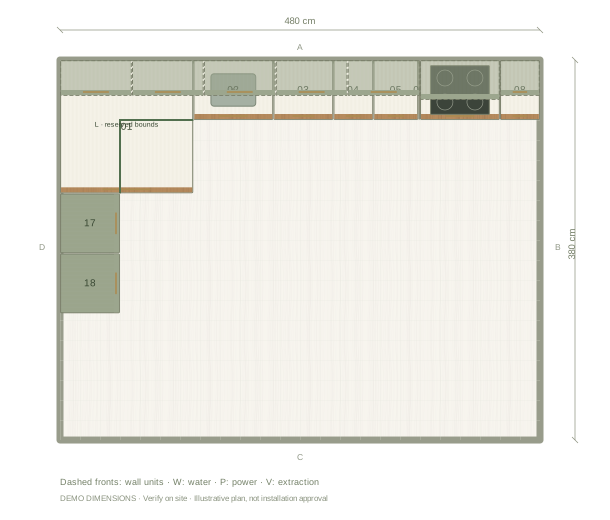
Open the editable example on this page. Enter a project name and your actual room width, depth and ceiling height in the setup, then choose a starting palette. Use an empty room if the example does not suit your space. Add doors, windows and service points before changing the cabinet arrangement. Switch between plan, elevation and 3D to check the same design from several angles.
What is included for free?
Manual kitchen planning includes room editing, cabinets and appliances, materials, basic PNG images and JSON project backups. You can save locally in your browser without registering. Sign in for five saved cloud projects. A share link presents a snapshot of a design; update the share link when you want viewers to see later changes.
What needs a paid upgrade?
One credit makes one saved kitchen Premium for good: vector plans and elevations, detailed cabinet and cutting lists, client drawing sheets and up to 20 High photos rendered on our GPU. Credits come in one-time packs, 3 for €9.99 or 9 for €24.99, including tax. There is no automatic renewal and credits never expire. A credit can also start a kitchen from photos with Photo Build, and that kitchen is Premium too. Check the Pricing page for the current offer.
How do I keep and share my work?
Save a local project as you work and download a JSON backup before clearing browser data or changing devices. Local projects stay in the browser where you created them. For cloud saving, sign in and link the project to your account. Review the share options before publishing a snapshot. Treat all drawings as design proposals until a supplier checks measurements, real cabinet products and installation requirements.
Questions before you start
Do I need an account to start?
No. Start with manual planning and local saving in your browser. Cloud saving and Photo Build require an account.
Is the cabinet list export free?
Detailed cabinet schedules and workshop files require Premium exports for the selected project. Basic PNG images and JSON backups are free.