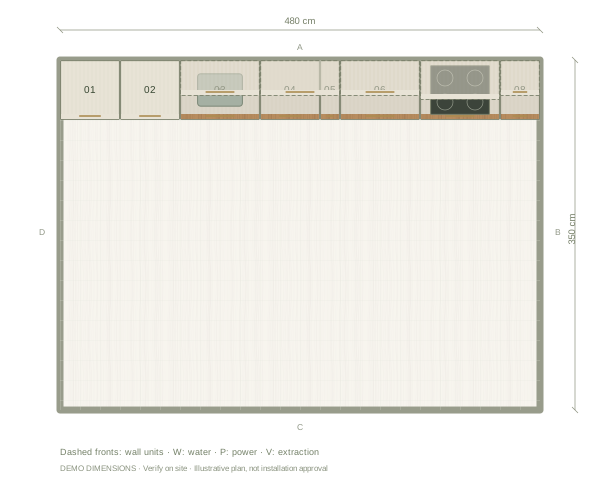
What cabinet dimensions should I record?
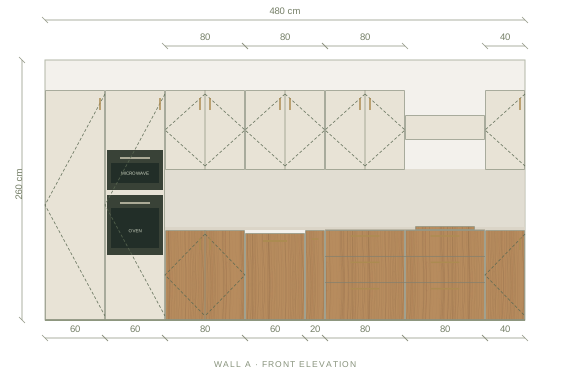
Record width along the cabinet front, depth from front to back and height from the floor reference. In Kitchform, base cabinet height includes floor legs and excludes the visual worktop. A wall cabinet also has an installation height above the floor. The example table below uses centimetres. Select a unit in the editor to inspect its dimensions, and use millimetre controls in Designer mode when you need finer input.
How do I measure the room for cabinets?
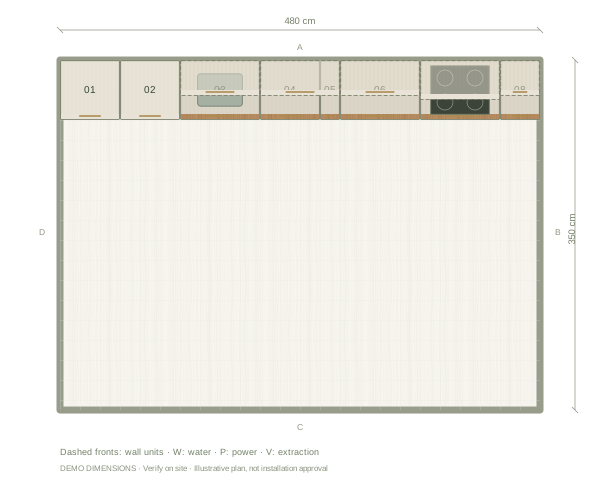
Measure each wall separately and record ceiling height. Locate doors, windows, sill heights, beams and service points from a fixed reference corner. Compare measurements at different heights where walls may vary. Add those details to the room before fitting a run of cabinets. Keep a written record of discrepancies for your supplier or installer; a rectangular room model does not establish that the actual walls are square.
How do I plan clearances?
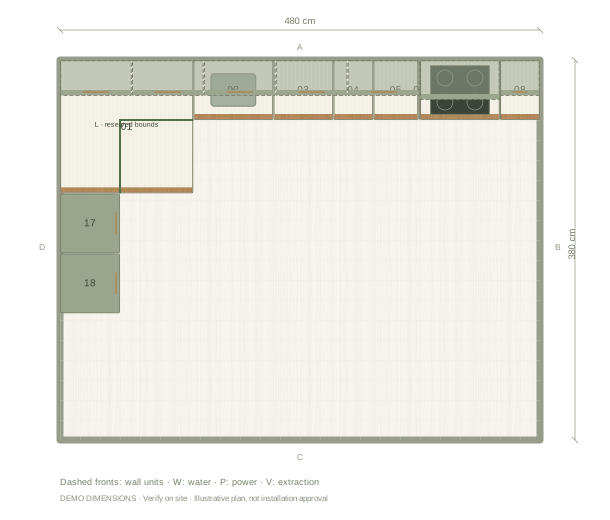
Start with the space between the nearest finished surfaces. Include handles, worktop overhangs, end panels and any appliance that projects beyond the cabinet run. Then inspect open doors and drawers, access to the sink and the route through the room. Ask the selected manufacturers and installer to confirm appliance ventilation, heat separation, access and construction requirements. A geometric gap in a drawing is not a verified installation clearance.
How do I export a cabinet list?
Select the saved project and open Export. Detailed cabinet schedules are part of Premium project exports. Before exporting, give units clear names and references, review width, depth and height, and enter supplier or model details where you have them. Compare the schedule with the plan and wall elevations. Send the list as a planning proposal; generic units and generated workshop panels do not replace manufacturer specifications or final production drawings.
Questions before you start
Are all kitchen base cabinets 60 cm deep?
No. The example uses generic components and editable dimensions. Real product depths, doors, handles and required service spaces vary by supplier.
Can I order directly from the example cabinet list?
Have your supplier verify the site measurements, chosen cabinet products, appliance installation instructions and worktop details before ordering.