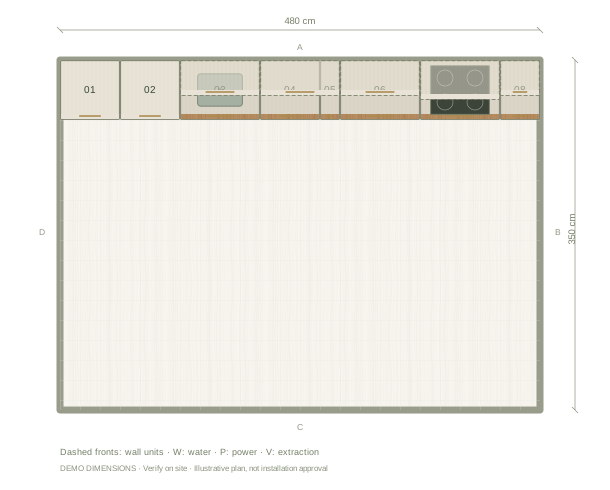
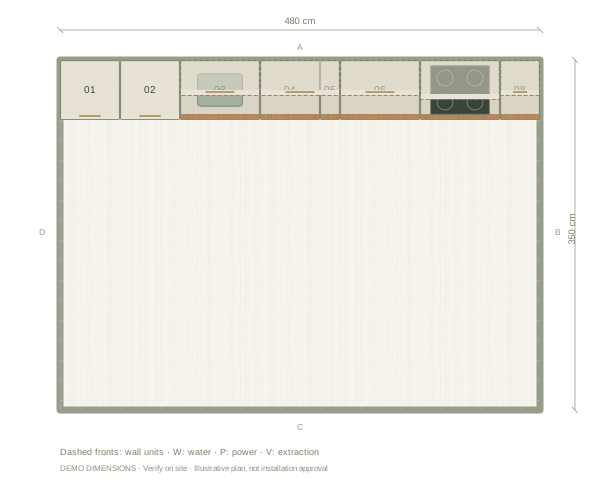
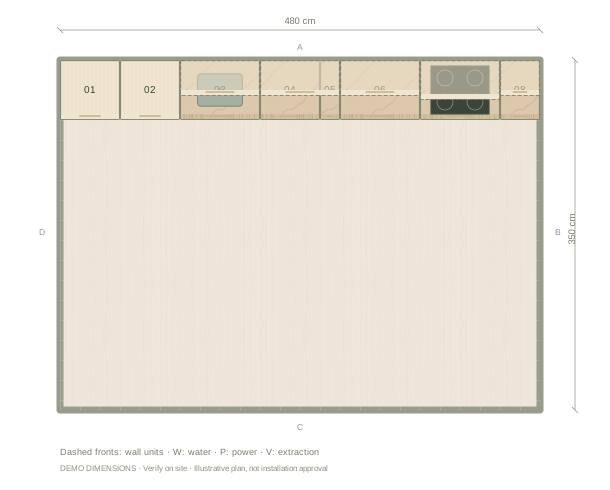
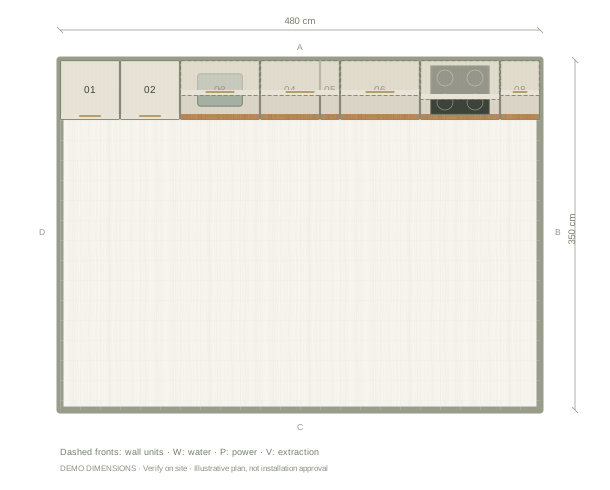
Illustrative plan in cm. Example dimensions; no doors, windows or site services have been assumed. Add your actual openings and fixtures in the editor.
01
Position the tower as a tall group
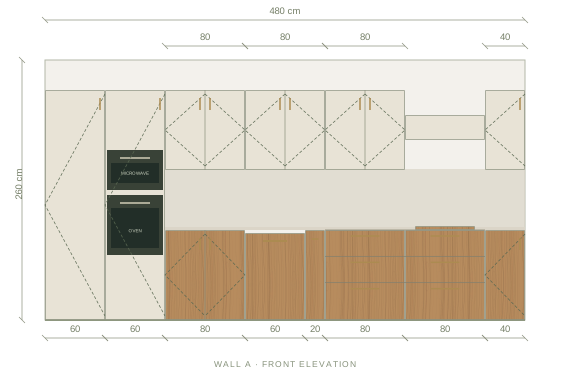
The example places an oven and microwave tower near an integrated fridge. Their fronts share a tall zone while the worktop stays on the lower run. Review the fridge door swing and the space between the two units; a neat elevation does not prove that both doors can open fully.
02
Adjust the appliance heights
Use the selected tower settings to change oven and microwave installation heights, then inspect the interior. Consider reaching the controls and lifting a hot dish onto a nearby worktop. The model does not assess an individual person’s safe reach.
03
Use the correct appliance type
The stacked microwave is a conventional microwave space. A purpose-built microwave drawer is a separate appliance with a different opening direction and installation arrangement. Do not place an ordinary microwave into a drawer simply because its dimensions appear to fit.
Questions before you start
Are the tower clearances verified for my appliances?
No. Enter the chosen manufacturers’ ventilation, cavity and clearance requirements and have the final arrangement checked before installation.
Can I change the stack after creating the project?
Yes. Select the tower to edit its appliance arrangement and heights, and inspect the resulting compartments with the front removed.
The front elevation
Review the main wall’s cabinet heights, appliance spaces and finish balance. Other walls are available in the editor.
Illustrative main-wall elevation. Digital materials are not supplier samples.
Example cabinet & appliance list
Planning dimensions in centimetres. These generic components are editable and do not identify purchasable supplier products.
Before installation: verify measurements on site, resolve cabinet junctions and worktop details, and enter the chosen appliances’ installation and ventilation requirements.