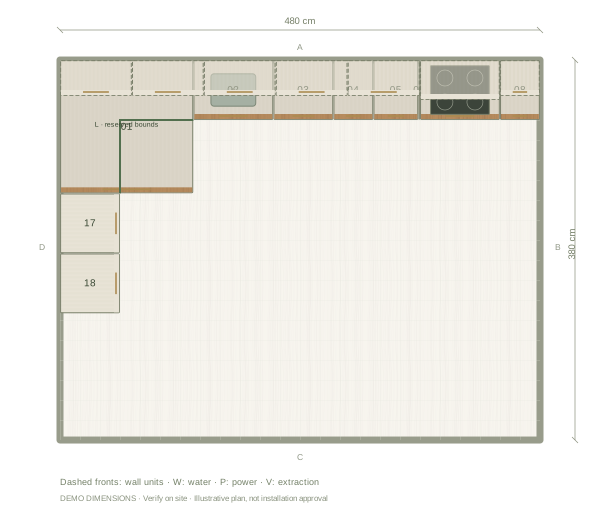
Decide what the corner does
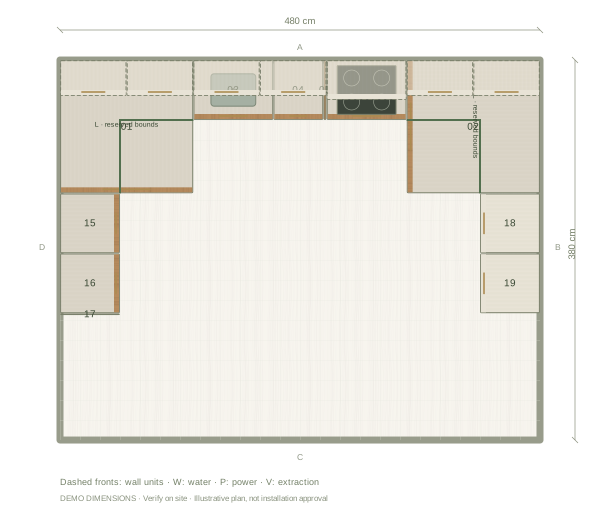
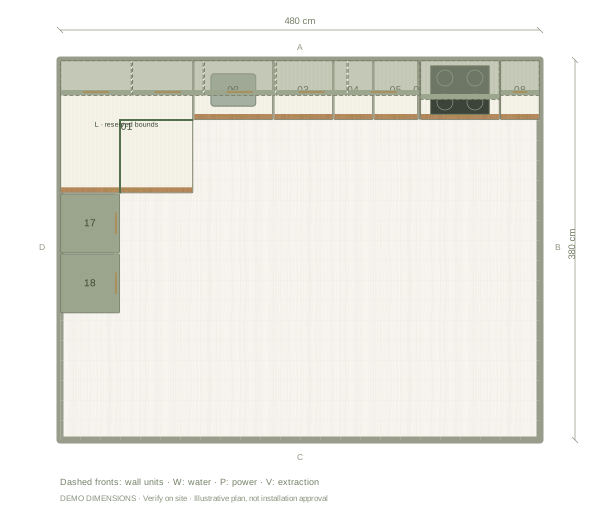
This example connects its two runs with an L-shaped corner cabinet. Review the corner doors and the adjacent drawer fronts in the editor. Compare that arrangement with a blind-corner cabinet or a planned void if your chosen supplier offers them. The digital corner shows the layout; your supplier still needs to specify the hardware, fillers and worktop junction.
Give each run a role
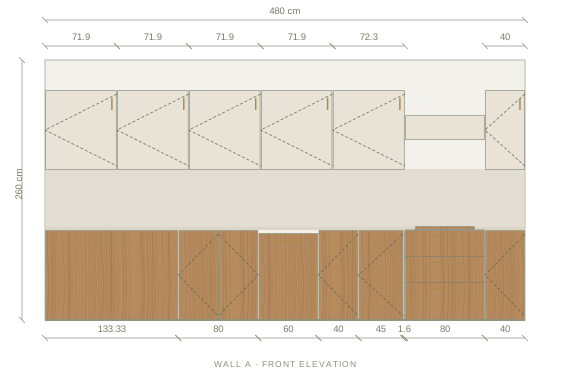
The starting plan puts the sink, dishwasher, preparation cabinets and hob along the long wall, with tall appliances on the return. Check that sequence against the actual plumbing, extraction route and entry door. If tall units block light or the view into the room, compare another position in 3D and inspect the elevation of each wall.
Measure both walls independently
An overall room width and depth describe the starting rectangle. They do not locate window reveals, boxed-in pipes or an out-of-square corner. Add those site details before judging the cabinet fit. Compare the elevation of each wall rather than treating the corner as one flat drawing.
Questions before you start
Does an L-shaped layout need a corner cabinet?
No. A planned void is another option, but the worktop junction and access to nearby units still need to be resolved.
Can I turn this into a U-shaped kitchen?
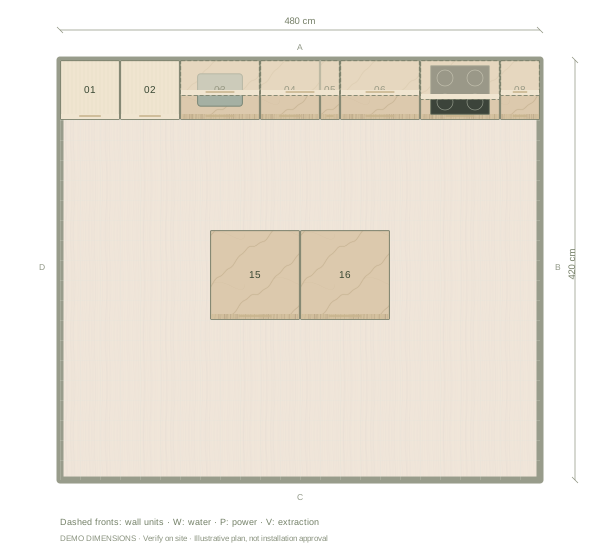
Yes. Add a third run, or open the U-shaped example to compare how another bank of cabinets affects the centre of the room.