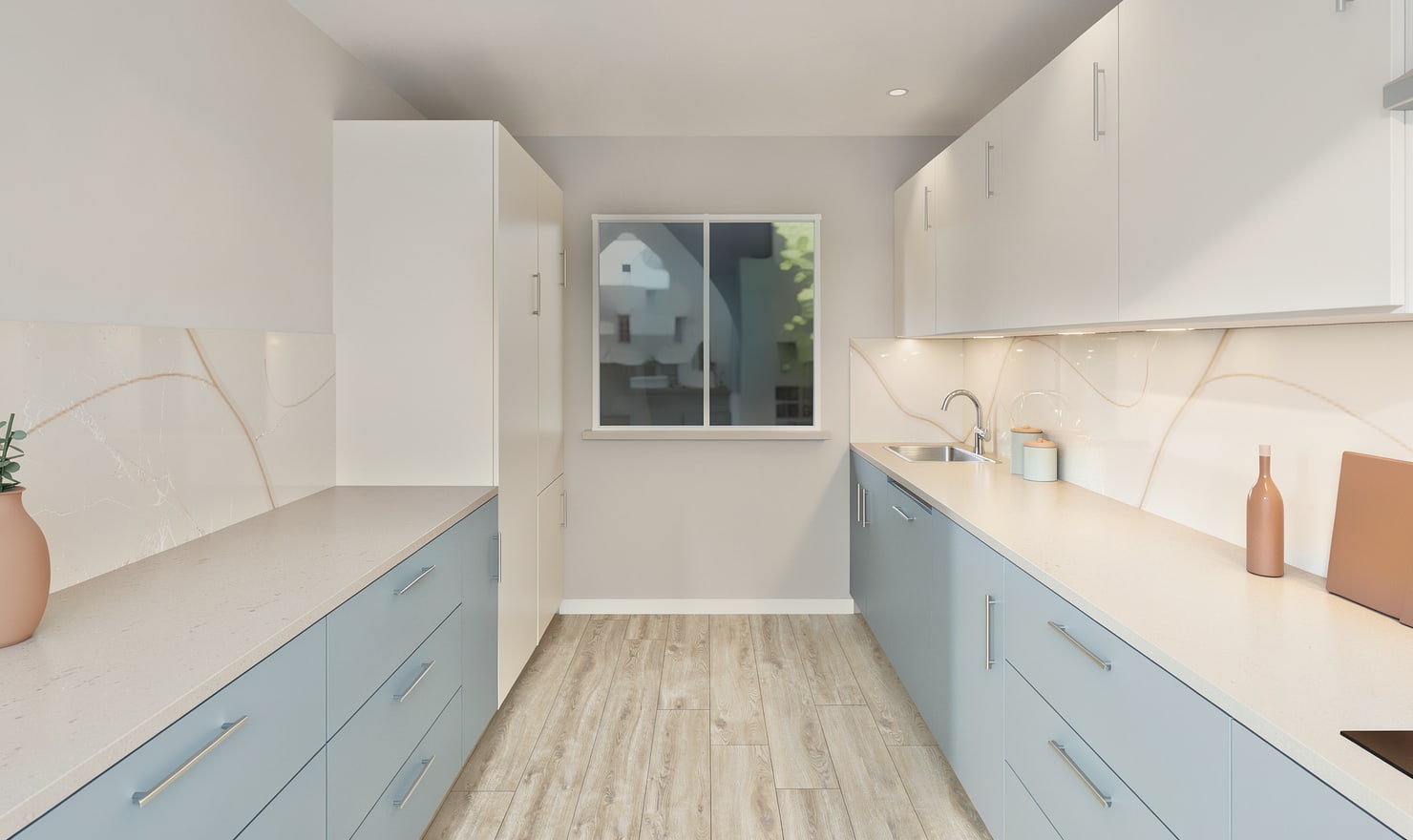
A useful kitchen before-and-after comparison shows what changed between two designs. Keep a reviewed baseline and a separate proposal, then use matching views to explain the layout and material decisions.
Rendered Kitchform design. Photo Build drafts need separate review and measurement.
A practical workflow
01
Save the before version
Create a model of the existing arrangement and replace estimated dimensions with measurements. Keep that project as a separate backup before editing. A Photo Build draft can help you start, but review duplicated units and missing openings first.
02
Change the proposed version
Save a second project for the proposal. Record which cabinets move, which surfaces change and which appliances remain. Keep material-only alternatives separate from major layout changes so each comparison answers a clear question.
03
Match the presentation views
Use comparable camera positions and lighting for the two models. Present each image with the matching plan when positions or circulation change. Label the proposed image as a planning illustration and confirm costs, products and site requirements independently.
Choose the right starting point
Manual kitchen planning and browser-made Free photos are free. Photo Build requires sign-in and an available allowance or paid credit. The upload dialog shows any active promotional offer and its end date.
During Photo Build week, a qualifying promotional build includes an editable draft and one High render of that kitchen. Drawing exports and additional High photos are paid separately. A paid credit makes one kitchen Premium; see current pack prices and allowances.
Questions about this workflow
Does Kitchform turn a proposed render into proof of the finished renovation?
No. The proposed image illustrates a design option. Installation details, selected products, dimensions and the completed appearance need separate verification.
What can I do next in Kitchform?
Open a kitchen project, review the layout and save a camera view. Compare the result with the plan and check the selected kitchen’s access before making a Premium High photo.