PHOTO BUILD · 3D PLANNING · RENDERING
AI kitchen design you can review and edit
Start from kitchen photos or build a room yourself. Review the cabinets, enter real measurements and compare finishes before making presentation pictures.
Photo analysis estimates visible components. Check dimensions and products before ordering.
A GUIDE FOR EACH DECISION
From your first photo to a clearer kitchen presentation
Photo Build
Turn kitchen photos into an editable 3D kitchen
Read the guide Photo BuildMake a kitchen floor-plan draft from photos
Read the guide Photo BuildPlan a kitchen from an inspiration photo
Read the guide Photo BuildHow to photograph a kitchen for Photo Build
Read the guide Photo BuildReview the dimensions in an AI kitchen draft
Read the guide Photo BuildReview AI cabinet recognition from kitchen photos
Read the guideMaterials
Layouts
Render a small kitchen without hiding the layout
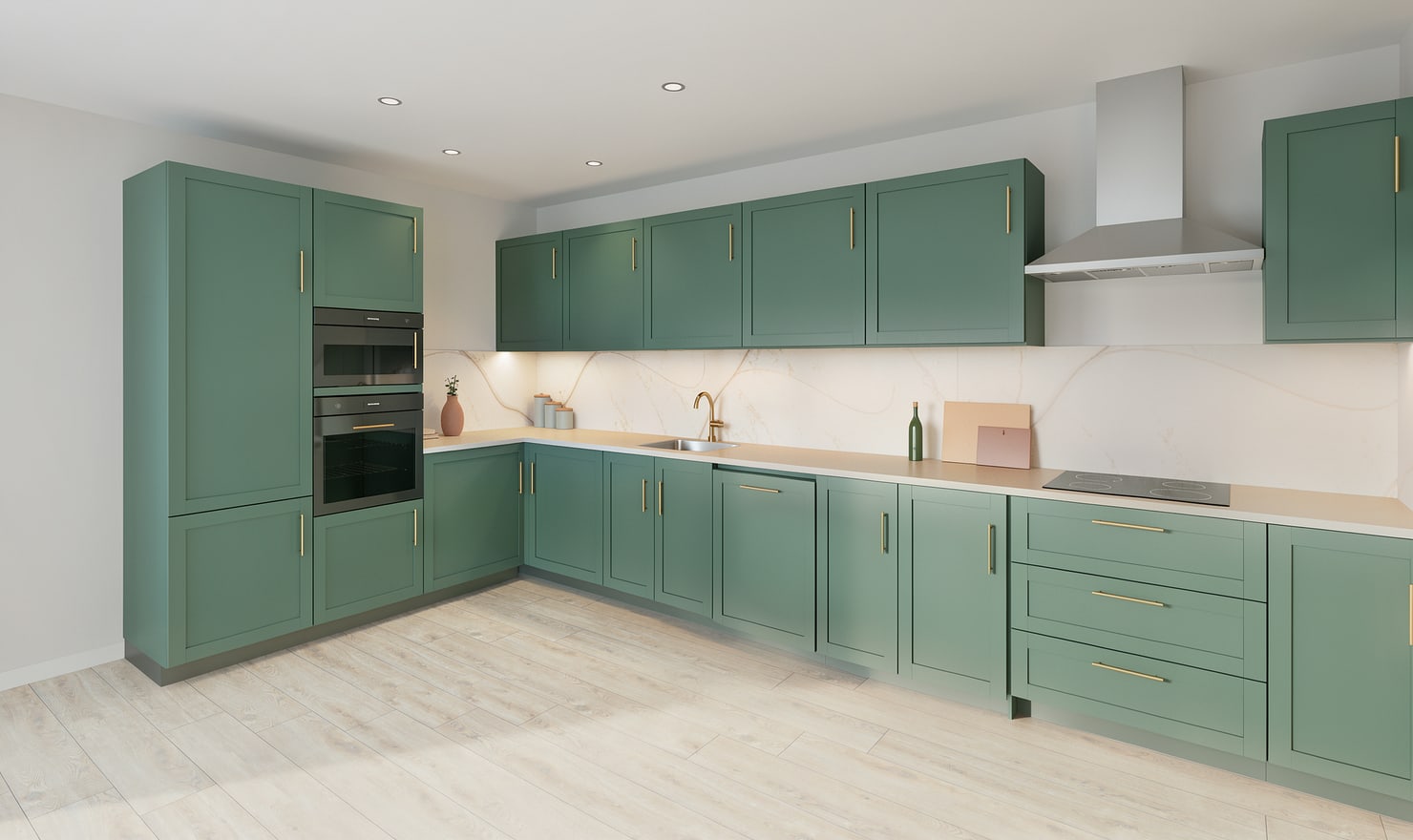
Read the guide LayoutsRender an L-shaped kitchen and its corner
Read the guide LayoutsRender all three sides of a U-shaped kitchen
Read the guide LayoutsMake clear renders of a galley kitchen
Read the guide LayoutsRender a kitchen island with its surrounding space
Read the guideRendering
Planning
Use an AI kitchen remodel visualizer to compare options
Read the guide PlanningEditable 3D kitchen design or AI kitchen images?
Read the guide PlanningUse kitchen renders to make homeowner decisions
Read the guide PlanningPrepare kitchen render presentations for clients
Read the guide PlanningShare a kitchen render with a clear design brief
Read the guideChoose the right starting point
Manual kitchen planning and browser-made Free photos are free. Photo Build requires sign-in and an available allowance or paid credit. The upload dialog shows any active promotional offer and its end date.
During Photo Build week, a qualifying promotional build includes an editable draft and one High render of that kitchen. Drawing exports and additional High photos are paid separately. A paid credit makes one kitchen Premium; see current pack prices and allowances.
Use the picture and the plan together
An image helps you compare appearance. The editable model helps you compare cabinet positions and sizes. Neither establishes site measurements, appliance compatibility or installation approval. Keep your measured plan, real material samples and supplier instructions alongside the presentation.
Measure your kitchen before refining the layout ↗