Start with the kitchen you already have. Photo Build suggests cabinets and finishes from your photos, then gives you a draft you can correct and edit. It is a planning model built from visible evidence, rather than a measured survey.
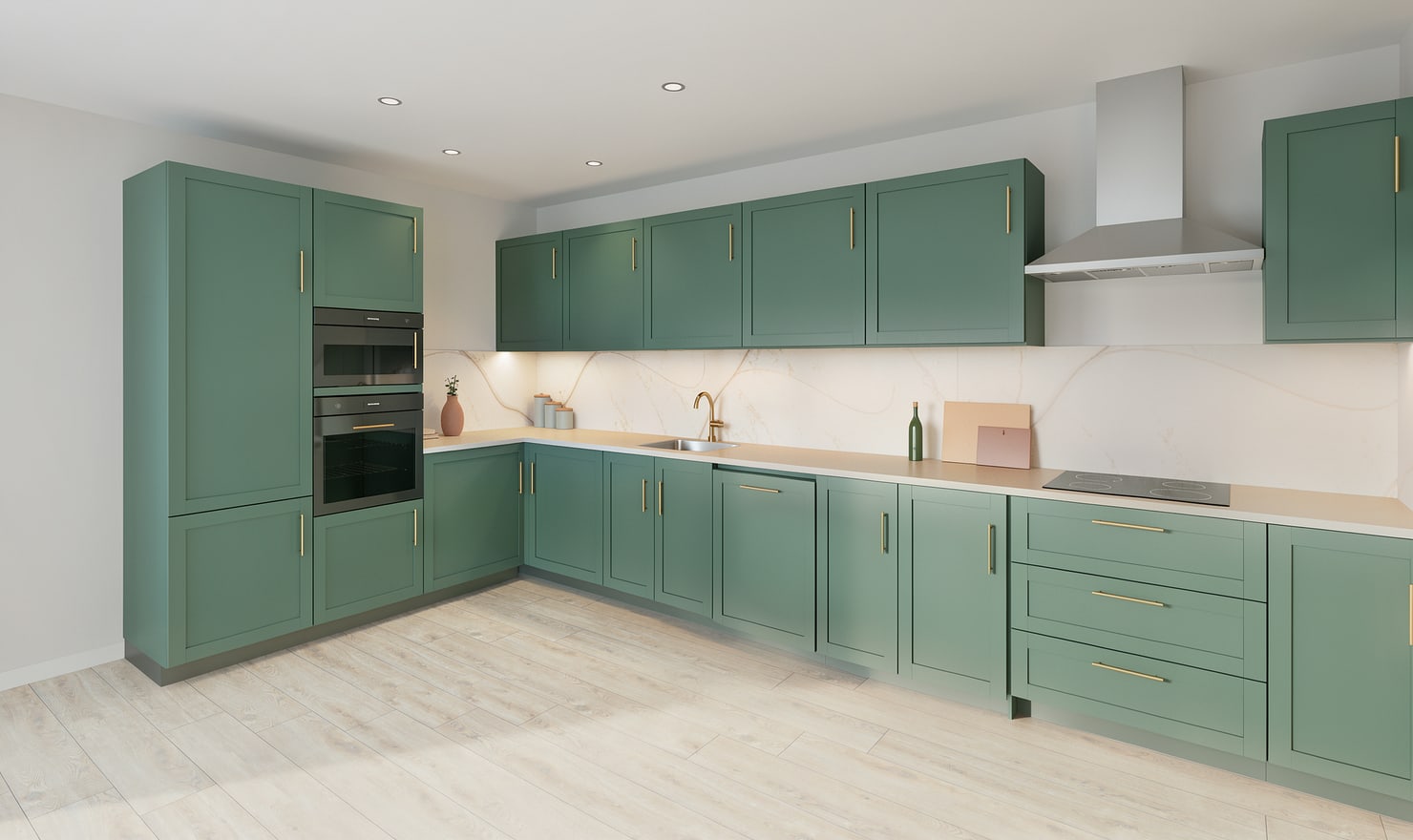
Rendered Kitchform design. Photo Build drafts need separate review and measurement.
A practical workflow
01
Show connected views
Choose up to three clear photos of the same kitchen. Include corners, floor edges and the tops of tall cabinets. Overlapping views help you compare the suggested runs with the room.
02
Review the suggested units
Check cabinet types, widths, positions and finishes in the review. Untick duplicated or incorrectly recognised components. Add missed units before creating your draft; a plausible-looking cabinet is not proof that it exists.
03
Open and edit the model
Create the editable draft, enter measured room dimensions and inspect the layout in plan, elevation and 3D. Change individual cabinets and materials rather than relying on a new generated picture for every decision.
Choose the right starting point
Manual kitchen planning and browser-made Free photos are free. Photo Build requires sign-in and an available allowance or paid credit. The upload dialog shows any active promotional offer and its end date.
During Photo Build week, a qualifying promotional build includes an editable draft and one High render of that kitchen. Drawing exports and additional High photos are paid separately. A paid credit makes one kitchen Premium; see current pack prices and allowances.
Questions about this workflow
Does a photo become an exact 3D scan?
No. Hidden geometry and dimensions are estimated. You must review the draft and enter real measurements before relying on the layout.
What can I do next in Kitchform?
Open Photo Build to check your account allowance, upload supported kitchen photos and review the suggested draft. Enter measured room dimensions before relying on the layout.