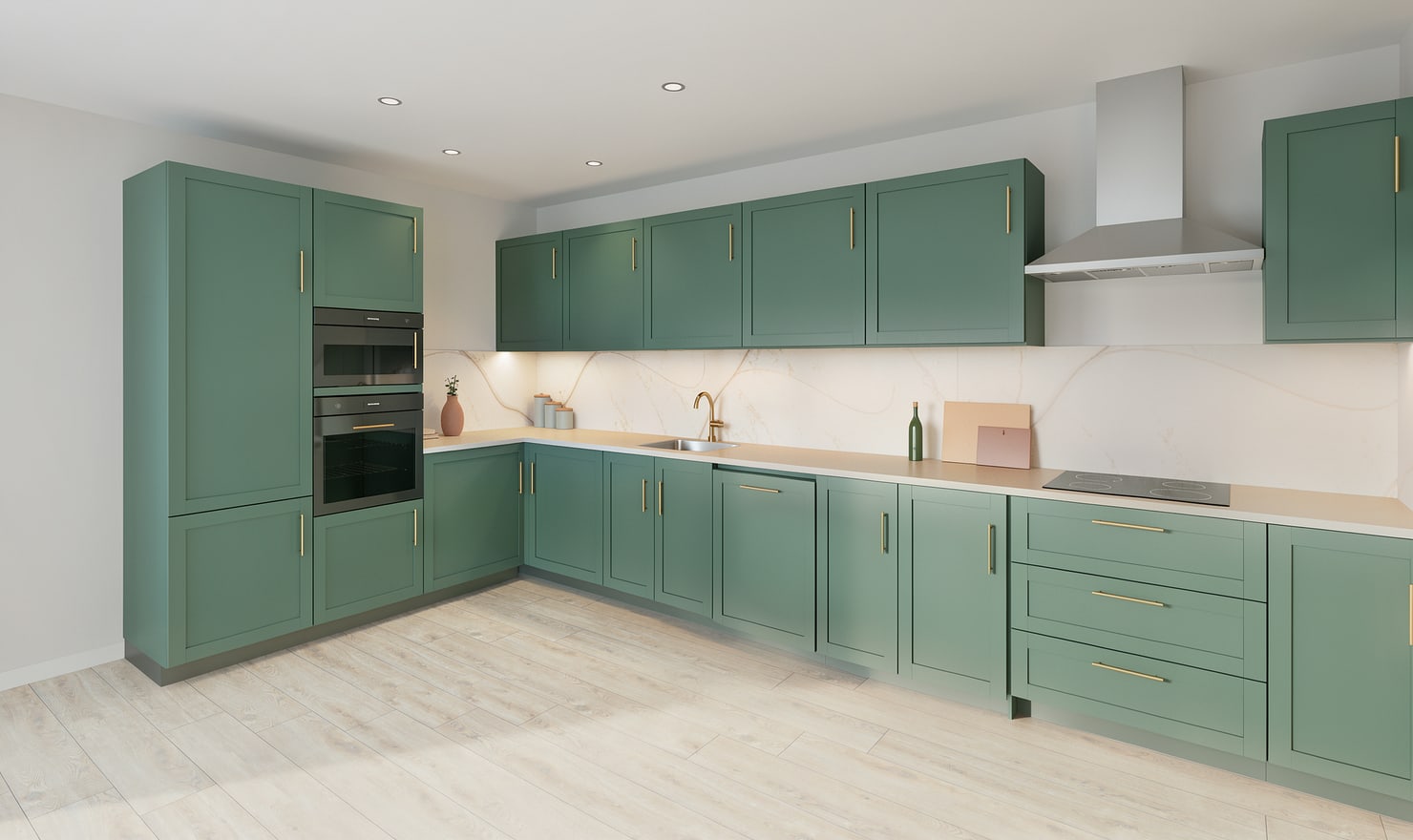
A short review before rendering saves repeated work. Check the model first, then the camera and light, and finally the purpose of the picture you want to make.
Rendered Kitchform design. Photo Build drafts need separate review and measurement.
A practical workflow
01
Review the visible geometry
Check cabinet positions, wall-unit heights, worktop edges and openings. Remove accidental duplicates and inspect the sink and hob from the intended camera before making a High photo.
02
Save the intended view
Place and save your camera, choose the lighting mood and confirm that important features are inside the frame. A cropped hob or hidden corner can make the picture harder to judge.
03
Inspect the finished picture
Compare the result with the saved design. Look at handles, appliance edges, sink details and straight worktop lines. If a visual detail differs, retain the editable model as the planning reference.
Choose the right starting point
Manual kitchen planning and browser-made Free photos are free. Photo Build requires sign-in and an available allowance or paid credit. The upload dialog shows any active promotional offer and its end date.
During Photo Build week, a qualifying promotional build includes an editable draft and one High render of that kitchen. Drawing exports and additional High photos are paid separately. A paid credit makes one kitchen Premium; see current pack prices and allowances.
Questions about this workflow
What should I do if a rendered detail differs from my model?
Use the saved model and specifications as the planning reference. Review the framing and source geometry before creating another picture.
What can I do next in Kitchform?
Open a kitchen project, review the layout and save a camera view. Compare the result with the plan and check the selected kitchen’s access before making a Premium High photo.