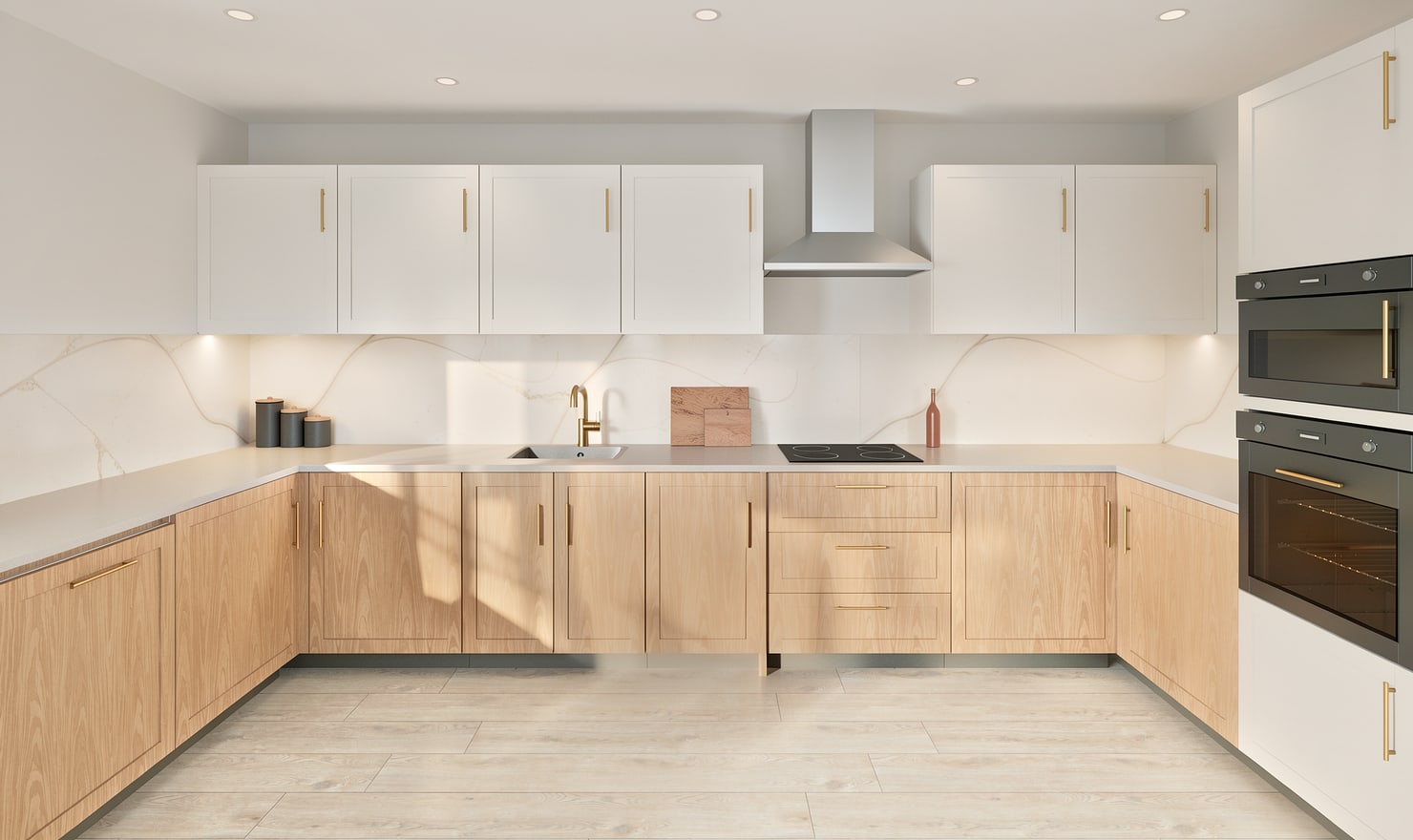
Kitchform offers browser-made Free photos and Premium High photos made on the studio GPU. Choose based on the output you need and whether the selected kitchen has Premium access.
Rendered Kitchform design. Photo Build drafts need separate review and measurement.
A practical workflow
01
Start with the browser option
Use a Free photo to check the composition and broad finish decisions. Browser rendering depends on the capabilities of your device, so keep the editor open while that picture is made.
02
Prepare the project for High
Save the kitchen to your account and check its Premium access. A paid credit makes one kitchen Premium and includes its High-photo allowance. Check current pack prices and terms on the Pricing page.
03
Keep the two free offers distinct
A promotional Photo Build creates an editable draft when the campaign is active and you qualify. A qualifying Photo Build week draft includes one High render. Drawing exports and additional High photos require paid Premium access. The upload dialog shows the current offer.
Choose the right starting point
Manual kitchen planning and browser-made Free photos are free. Photo Build requires sign-in and an available allowance or paid credit. The upload dialog shows any active promotional offer and its end date.
During Photo Build week, a qualifying promotional build includes an editable draft and one High render of that kitchen. Drawing exports and additional High photos are paid separately. A paid credit makes one kitchen Premium; see current pack prices and allowances.
Questions about this workflow
Does a free Photo Build include free High renders?
A qualifying Photo Build week draft includes one High render of that kitchen. Drawing exports and additional High renders require paid Premium access.
What can I do next in Kitchform?
Open a kitchen project, review the layout and save a camera view. Compare the result with the plan and check the selected kitchen’s access before making a Premium High photo.