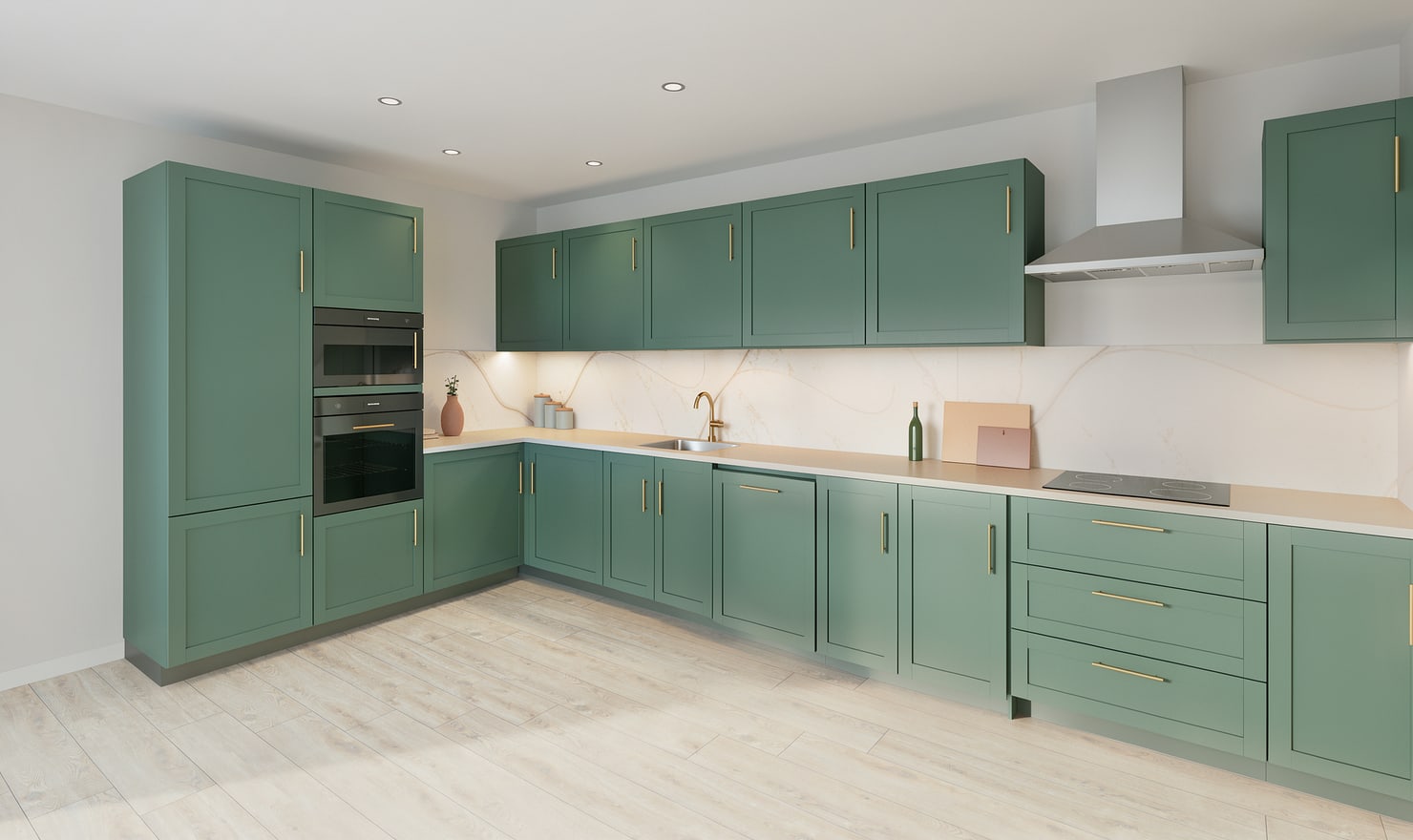
Two-tone kitchens need a clear relationship between upper fronts, base fronts and tall units. Compare the same arrangement in several palettes before adding more material variation.
Rendered Kitchform design. Photo Build drafts need separate review and measurement.
A practical workflow
01
Choose the visual anchor
Decide whether the lower run, wall units or island should carry the stronger colour. Keep the other major surface quieter so the composition remains easy to read.
02
Review tall cabinets in context
Tall units occupy more of the view than a single wall door. Check whether they should follow the upper colour, lower colour or a timber finish by rendering the entire run.
03
Compare equal views
Use the same camera, lighting and worktop for each palette. After choosing the colour balance, review handles, flooring and tile together rather than changing all of them at once.
Choose the right starting point
Manual kitchen planning and browser-made Free photos are free. Photo Build requires sign-in and an available allowance or paid credit. The upload dialog shows any active promotional offer and its end date.
During Photo Build week, a qualifying promotional build includes an editable draft and one High render of that kitchen. Drawing exports and additional High photos are paid separately. A paid credit makes one kitchen Premium; see current pack prices and allowances.
Questions about this workflow
Should the island match the base cabinets?
Either can work. Use the model to compare a matching island with a contrasting one while keeping the surrounding finishes unchanged.
What can I do next in Kitchform?
Open a kitchen project, review the layout and save a camera view. Compare the result with the plan and check the selected kitchen’s access before making a Premium High photo.