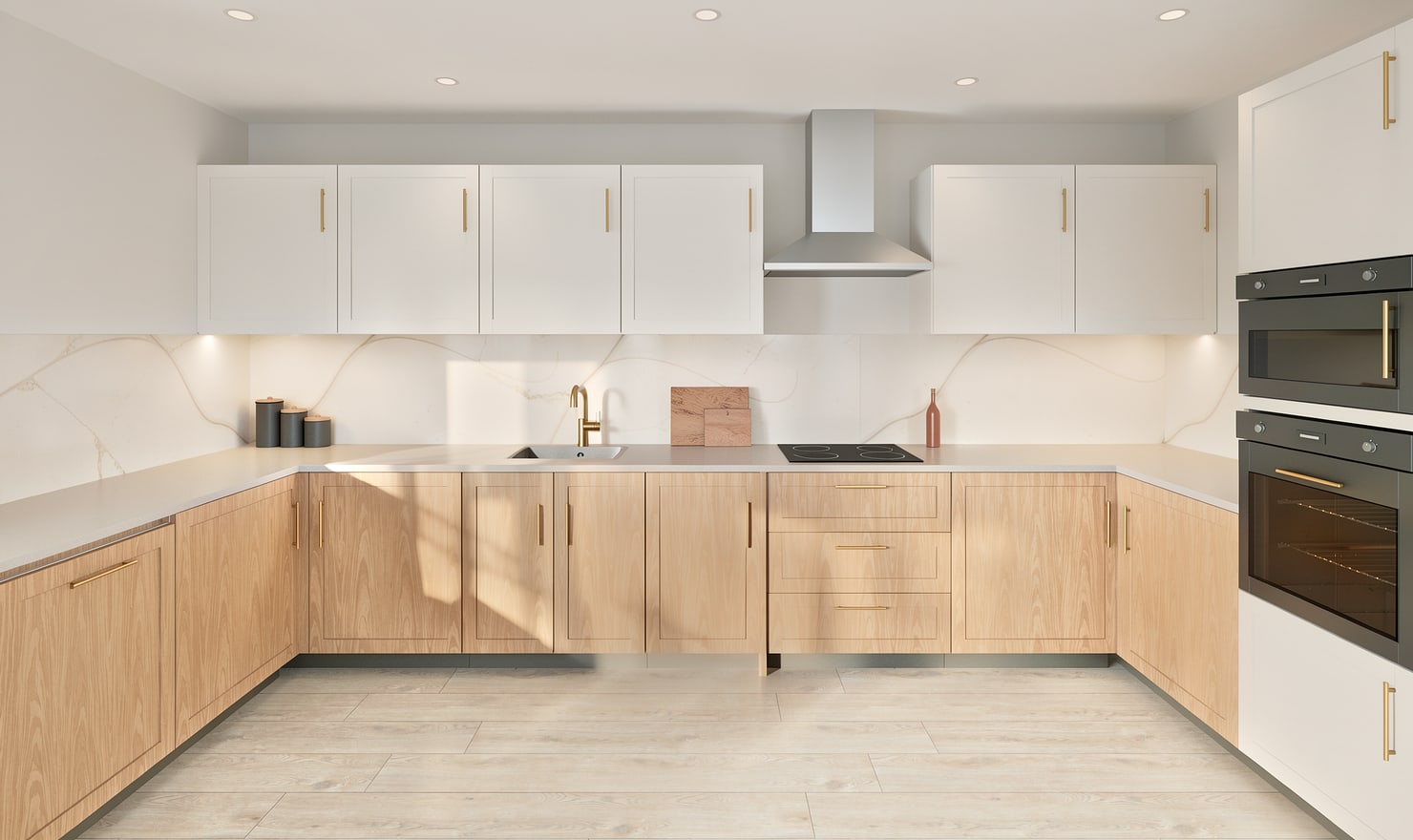
Visualize a kitchen worktop before choosing a finish
Treat the worktop as a separate design decision from the base cabinets. Compare its colour, edge appearance and relationship to the backsplash while keeping the cabinet layout stable.
Rendered Kitchform design. Photo Build drafts need separate review and measurement.
A practical workflow
01
Review the worktop layout
Check which runs need a worktop and how the surfaces meet at corners. Review islands and exposed ends separately rather than assuming every base unit needs the same top treatment.
02
Compare surface contrast
Try a pale surface, a warm tone and a darker option with the selected cabinet fronts. Inspect the entire run so veins or texture do not distract from the overall balance.
03
Confirm real fabrication details
Check thickness, edge profile, joints, overhangs and cut-outs with the supplier. A visual worktop surface does not establish structural support, slab yield or fabrication approval.
Choose the right starting point
Manual kitchen planning and browser-made Free photos are free. Photo Build requires sign-in and an available allowance or paid credit. The upload dialog shows any active promotional offer and its end date.
During Photo Build week, a qualifying promotional build includes an editable draft and one High render of that kitchen. Drawing exports and additional High photos are paid separately. A paid credit makes one kitchen Premium; see current pack prices and allowances.
Questions about this workflow
Can the rendered stone pattern determine slab cuts?
No. Digital stone textures are illustrative. Your fabricator must plan joints, cut-outs and slab selection using actual material and measurements.
What can I do next in Kitchform?
Open a kitchen project, review the layout and save a camera view. Compare the result with the plan and check the selected kitchen’s access before making a Premium High photo.